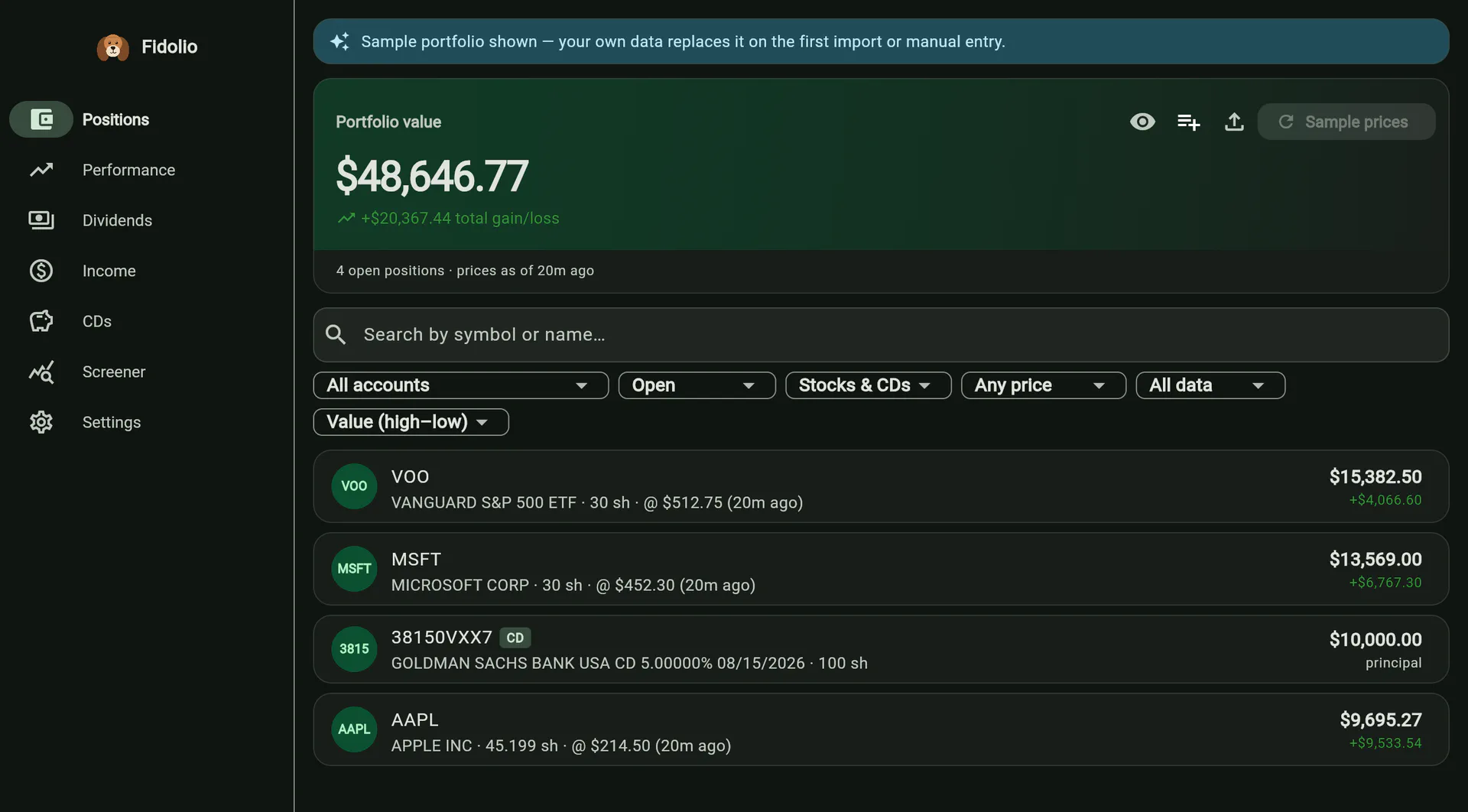
Positions is the landing screen and the app’s index: every symbol you hold, its current value, and what it has gained or lost. The hero card sums the lot and states how many positions are open and how old the prices are.
Accounts aggregate, until you say otherwise
Brokers report per account. You think per holding. So a symbol held in two accounts is one row here, with the share counts added — and if that is not what you want, the account picker in the header narrows Positions, Performance, Dividends, Income, CDs and the stock pages to a single account, all at once.
The selection persists between sessions, which is only safe because the app says so everywhere it applies: the hero card swaps “Portfolio value” for the account name, and every empty state distinguishes no data from no data in this account — with a button to show all accounts again, so a filter can never strand you on a blank screen.
Filters that answer real questions
- Status — open by default. Closed and matured positions are one menu away, never mixed in unasked.
- Type — stocks, CDs, or both.
- Price — with a live price, without one, or priced by hand. A manual price silently drives every value, total and metric for that symbol, so a stale one quietly misreports the portfolio. Symbols carrying one are badged, counted in the header, and filterable.
- Data — “Needs data” lists just the holdings whose history is incomplete.
On a phone the four collapse into a single Filters button carrying a count and a one-line summary of what is set.
When a balance cannot be explained
Fidelity’s account history reaches back about five years. A position held longer than that has shares in it that no downloadable file accounts for, and Fidolio will not quietly pretend otherwise: it tracks the running share balance through your transactions and raises a warning when the arithmetic does not close — a balance that goes negative, disposals with no recorded purchase, or shares arriving by transfer with no cost basis attached.
The fix is offered where the warning appears. You can add an opening position — a lump-sum starting balance with its total cost — or paste the Cost Basis / Lots table straight off the Fidelity website, which adds one manual buy per lot. Or you can import a portfolio-positions export, which confirms the balance outright and retires the warning for that symbol.
Watchlist
A symbol you do not own can be added by hand and tracked anyway. It shows with a “Watching” chip regardless of the status filter — a watchlist entry is never open, and hiding it would make adding one look like it did nothing — and it joins the price refresh, since a price is the whole point of following it.
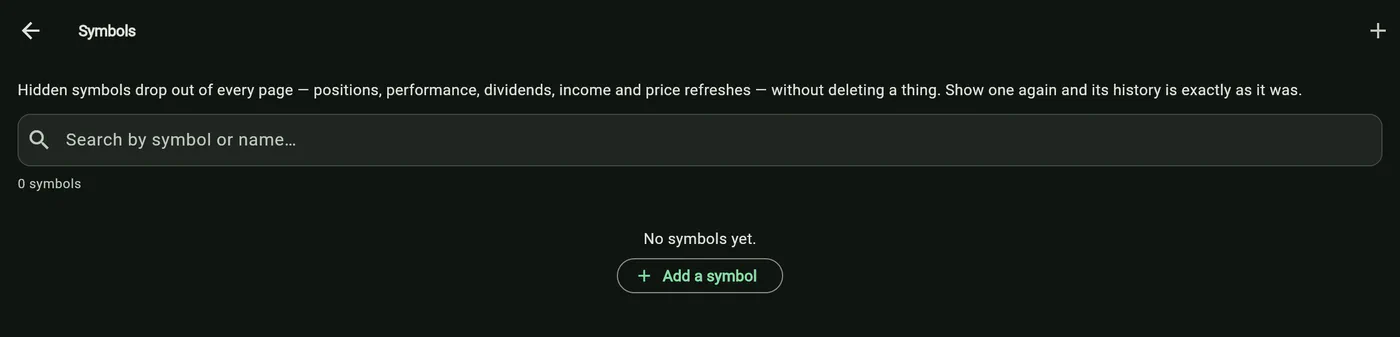
Any symbol can also be hidden: it drops out of every portfolio screen and every quote refresh without deleting a single transaction, and comes back whenever you say so.