Connections
Bring your own hubs
Connect several systems at once and stop thinking about which one a device belongs to.
Houses accumulate systems. A hub from one brand, cameras from another, an air conditioner with its own app. Flick’s job is to make that irrelevant: connect each system once, and from then on you have one home.
What you can connect
- Ezlo hubs — connecting straight to the controller on your own network when it can, and falling back to the account relay when you are away from home.
- Vera hubs — including older installations, with their rooms, scenes and house modes.
- Security cameras — live view, arm and disarm, snapshots and saved clips.
- Air conditioners — setpoint, mode and fan, as a first-class device card.
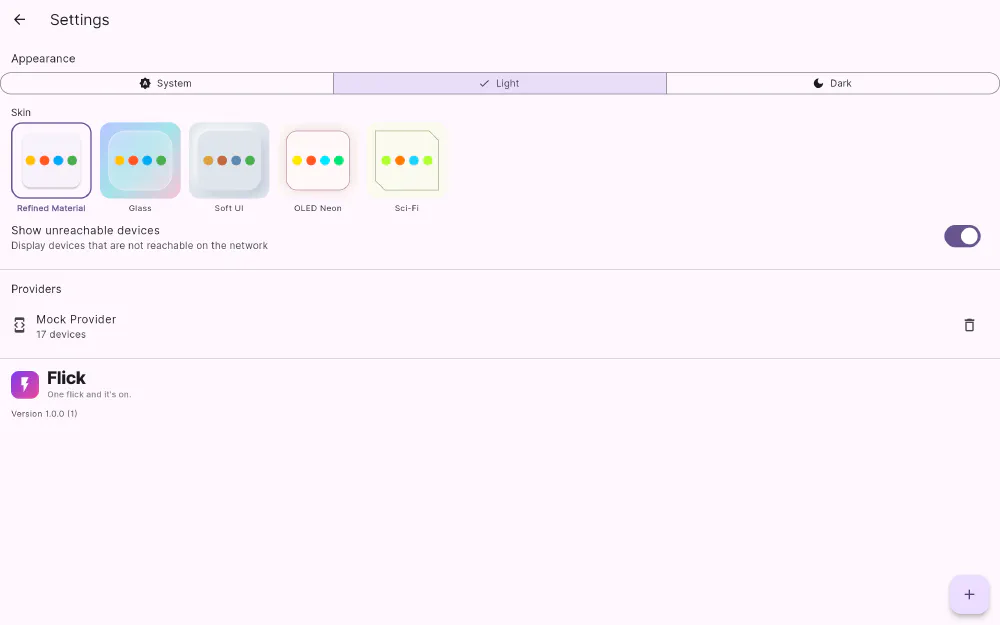
- The demo home — a fully simulated house with 17 devices across five rooms, built into the app. Add it and you can try every card, skin and scene before connecting anything real; remove it when you’re done.
Several connections can be active at once, and Flick doesn’t rank them: devices from every connection are merged into the same device list, the same By Room and By Type views, the same dashboard grid, and the same scenes.
Adding one
Settings → + lists the kinds of connections available, and each one asks only for what it actually needs — an address on your network, or the account the equipment is registered to. Once it connects, the device list fills in and the connection appears in settings with a live device count. Removing a connection is one tap, and it takes its devices with it while leaving the rest of your home untouched.
Cross-hub by default
Because everything is merged, the things that are normally hard become ordinary: a scene that dims a light on one hub and sets a thermostat on another; a dashboard page mixing cameras with lamps; a By Room view where a room contains devices from three different systems. You set your house up over years, from whatever was good at the time. Flick just shows it to you as one house.
Get Flick
Free to download. Bring your own hub — Flick talks to the equipment you already own.