Everywhere
The same home on every screen
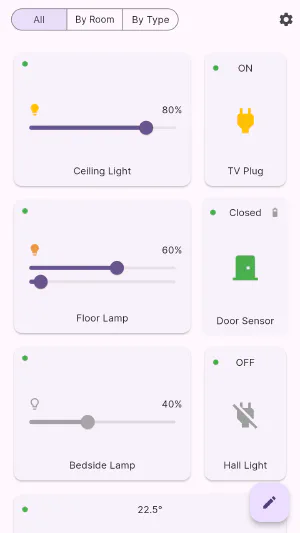
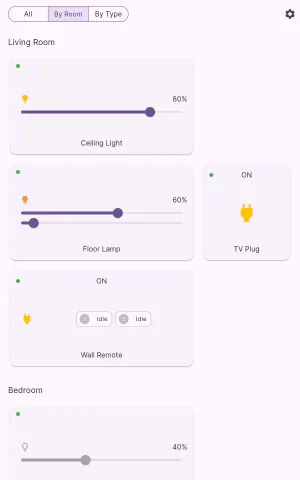
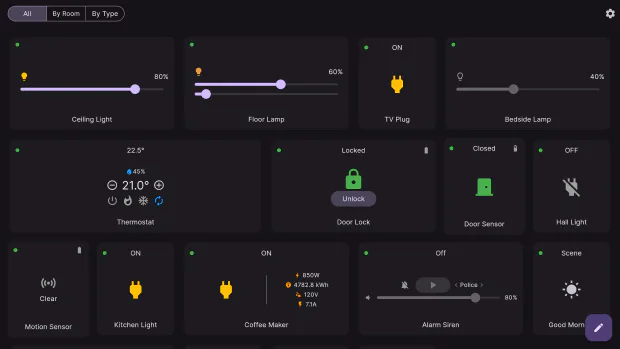
iPhone, iPad, Android, Mac and Windows — one app, laid out for the screen it is on.
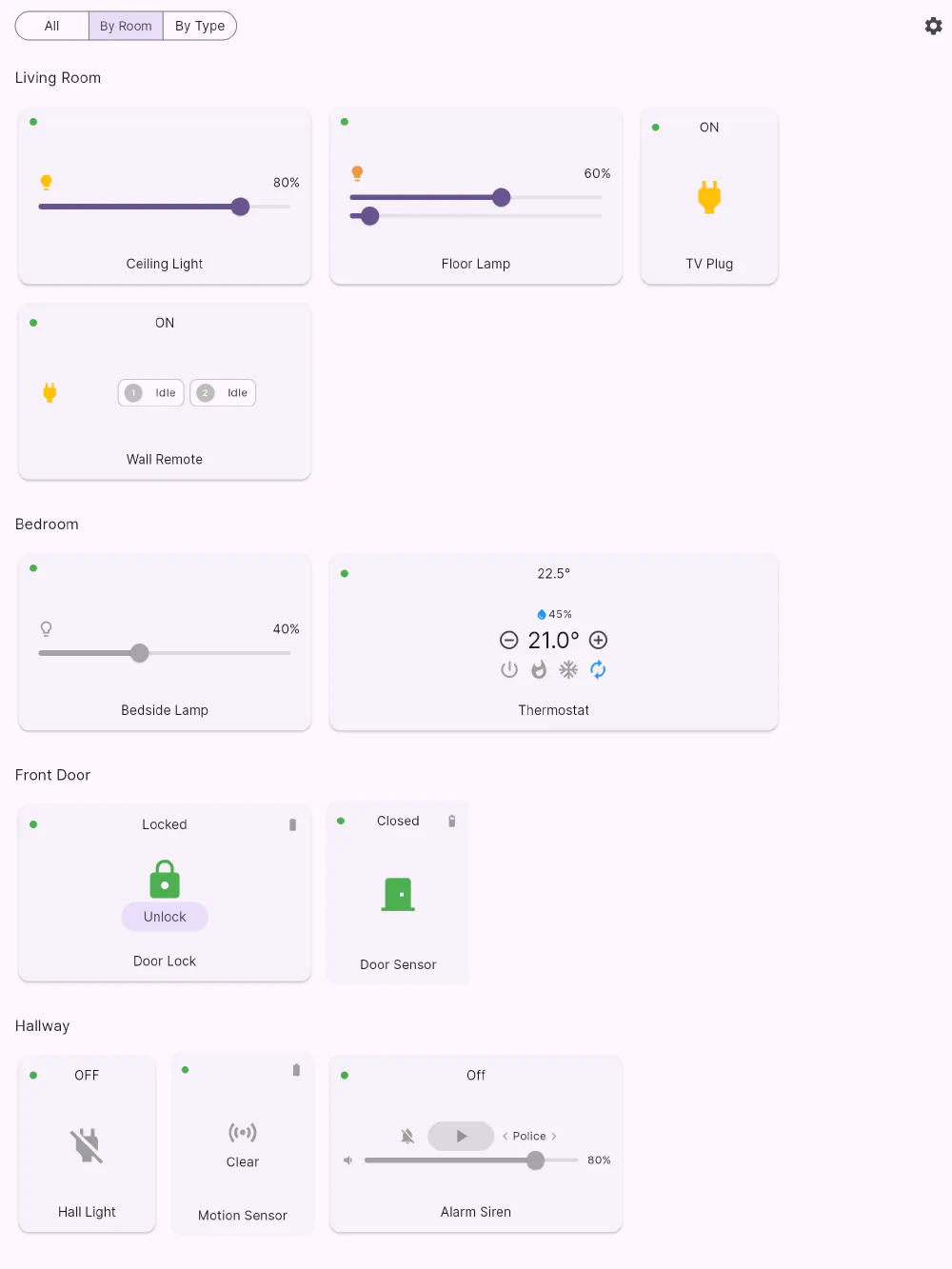
Flick is one app, built from one codebase, shipped to five platforms:
| Platform | Runs on |
|---|---|
| iOS | iPhone |
| iPadOS | iPad, including a wall-mounted one |
| Android | Phones and tablets |
| macOS | Mac, as a real desktop window |
| Windows | Windows 10 and 11 |
Laid out for the screen, not for the category
The grid measures the window and works out how many card slots fit, with a minimum sensible card width. That means the layout responds to a resized desktop window in real time, and a tablet turned from portrait to landscape re-flows instead of scaling up. Cards keep a consistent height, so rows stay aligned no matter how many of them fit.
Your dashboard arrangement is stored as positions rather than pixels, so it survives all of this: when the column count changes, Flick rebuilds the grid at the new width and keeps your ordering.
Suited to a wall panel
An old tablet screwed to the hallway wall is one of the best things you can do with a home automation app, and Flick is built for it: a dashboard of only the tiles that matter, big tap targets, dark or OLED-black appearance so it isn’t a night light, and status that keeps itself up to date without anyone touching the screen.
Get Flick
Free to download. Bring your own hub — Flick talks to the equipment you already own.