Appearance
Five skins, one tap apart
Refined Material, Glass, Soft UI, OLED Neon and Sci-Fi — pick the one that suits the room the screen lives in.
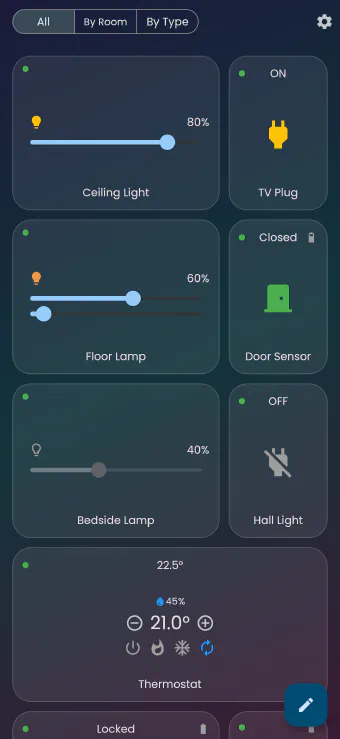
A wall-mounted tablet in a hallway and a phone in your pocket are not the same object, and they don’t have to look the same. A skin in Flick is a complete visual treatment — card shape and elevation, background, icon set, accent colours, the lot — applied to every screen in the app at once.
The five
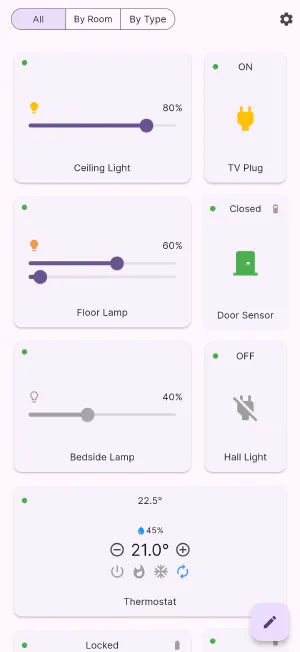
- Refined Material — the default. Calm, rounded, high-contrast, and the easiest to read at a glance.
- Glass — translucent frosted cards floating over a soft gradient. The prettiest on a large screen with a wallpaper behind it.
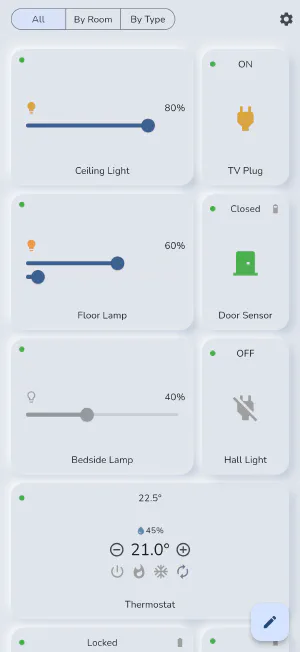
- Soft UI — gently extruded tiles that look pressed out of the background. Understated; good for a device that sits in a living room.
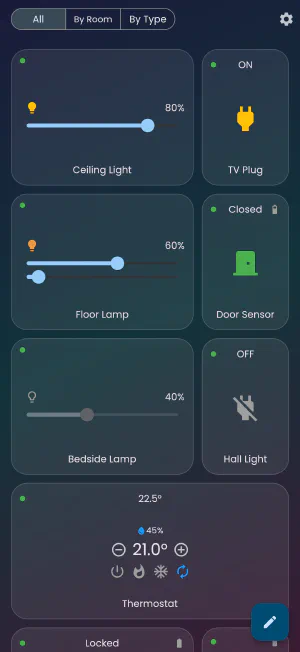
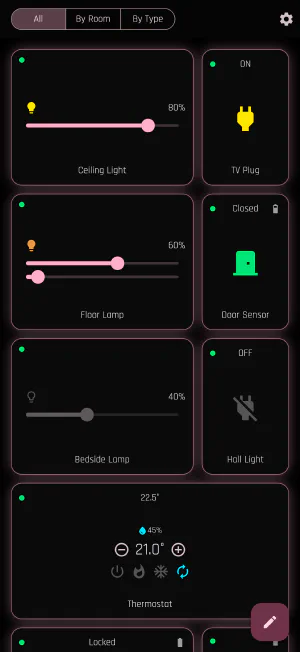
- OLED Neon — a true-black background with saturated accents. On an OLED panel the background costs no light at all, which makes it the right pick for a bedside or hallway screen at night.
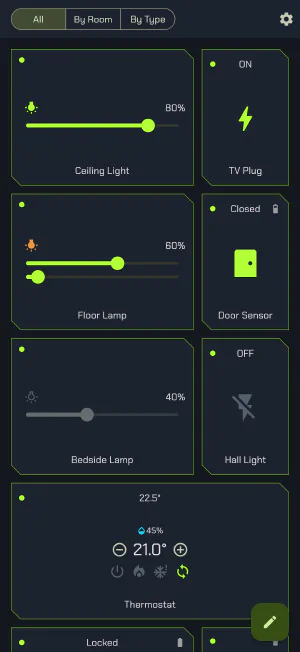
- Sci-Fi — angular panels, technical type and bright edges, for when a control panel should look like a control panel.
Skins are not just colours
Because a skin also supplies the icon set and card styling, the same dashboard can feel completely different without any of your devices moving. Your layout, your rooms and your scenes are untouched when you switch — only the presentation changes, and it changes immediately.
Skins are chosen in Settings → Skin, with a live preview of each one, and the choice is remembered per device — so the hallway tablet can stay on OLED Neon while your phone stays on Refined Material.
Get Flick
Free to download. Bring your own hub — Flick talks to the equipment you already own.