Appearance
Light, dark, or whatever your system says
Every skin comes in light and dark, and Flick can follow the system so your house app dims when everything else does.
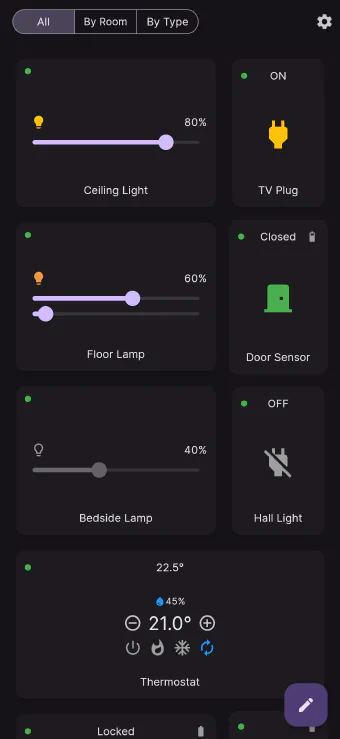
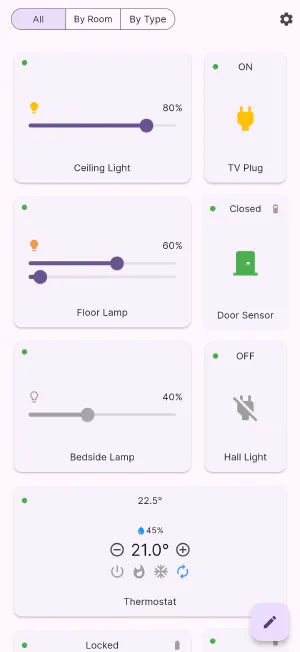
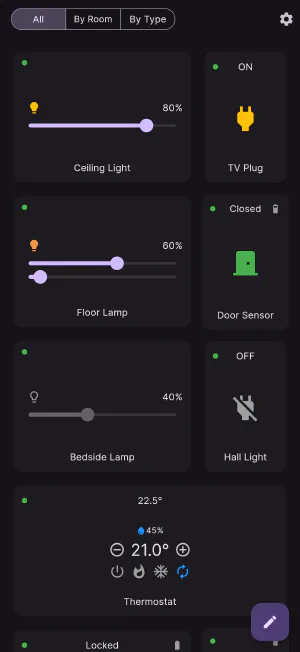
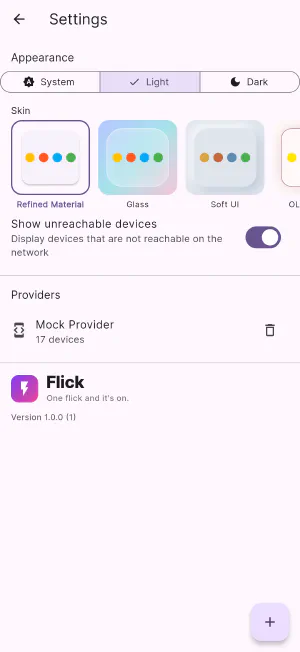
Theme and skin are separate choices in Flick, and that is on purpose. The skin decides how the app is built; the theme decides how bright it is. Every one of the five skins is designed in both light and dark, so no combination leaves you with grey-on-grey text or an accent colour that disappears.
Three settings
- System — follow the phone, tablet or computer. When your device switches to dark in the evening, so does Flick.
- Light — always light, regardless of the system.
- Dark — always dark. Useful on a wall panel that would otherwise glare all evening because the tablet thinks it’s daytime.
The choice sticks between launches, and it is per device, so your bedside phone can be locked to dark while the kitchen tablet follows the system.
Designed in both, not converted
Dark mode here isn’t an inverted light theme. Card surfaces, borders, shadows and accent colours are each specified for both brightnesses, which is why status colours stay legible: the green of a closed door, the amber of a lit lamp and the red of an armed siren all keep their meaning against a dark background instead of washing out.
Get Flick
Free to download. Bring your own hub — Flick talks to the equipment you already own.