The app, unretouched
Screenshots
Every image below is a real capture of Flick running — no mock-ups, no composites. Click any of them to see it full size.
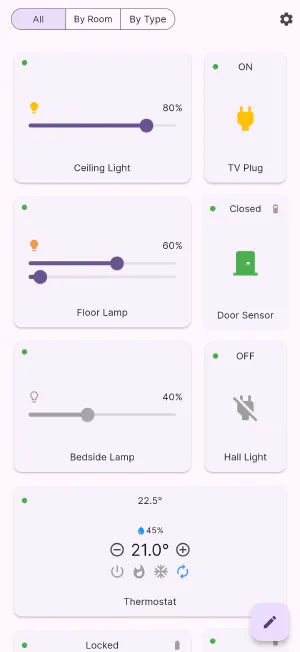
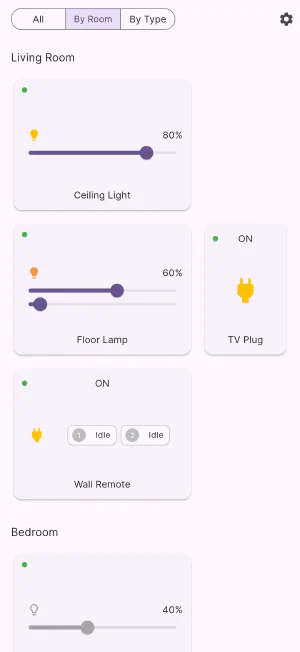
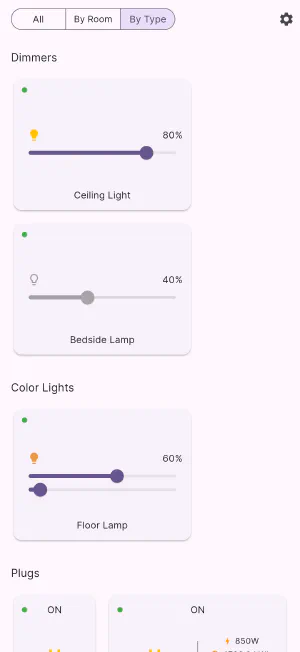
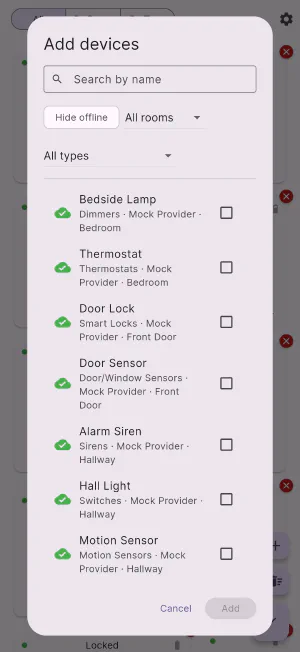
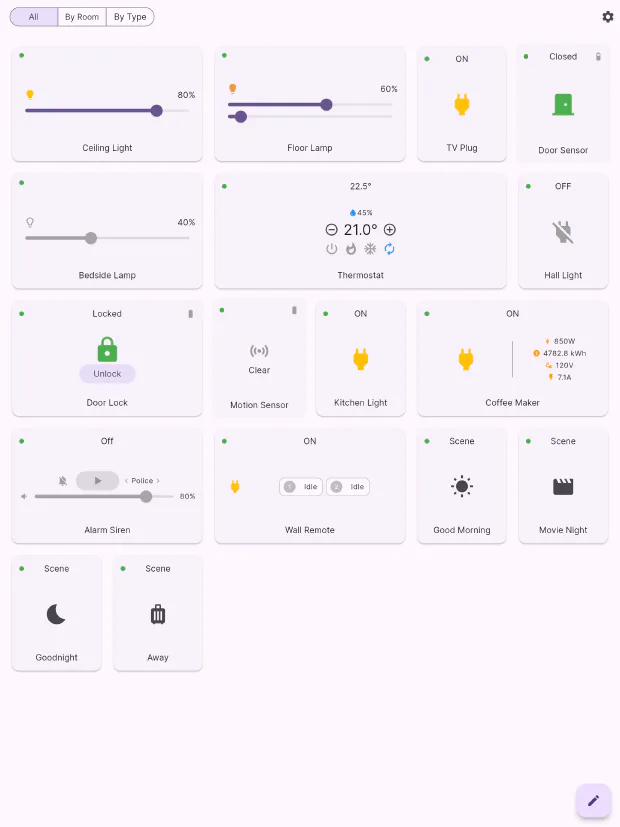
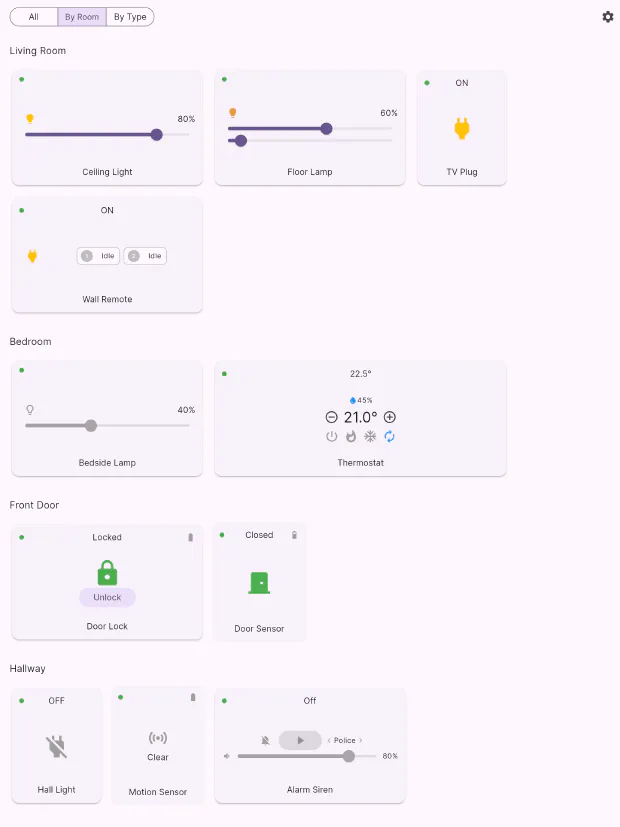
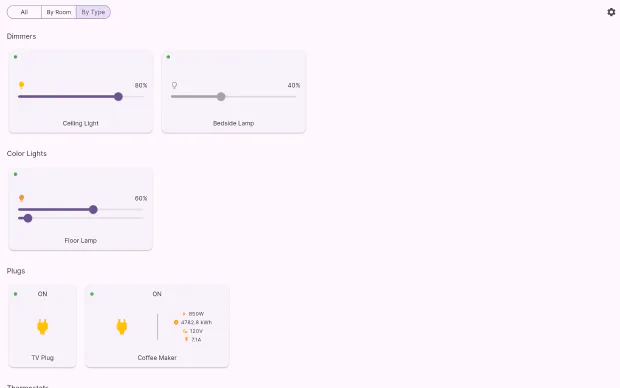
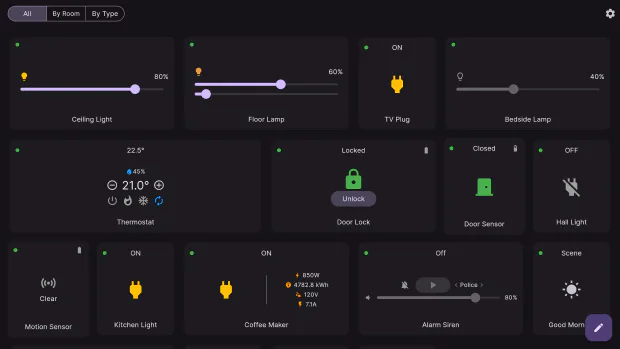
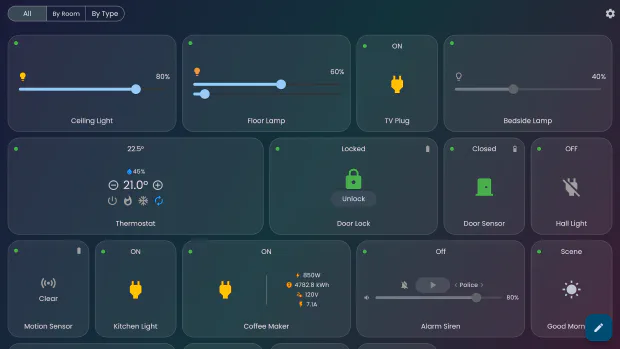
The home in these captures is Flick’s built-in demo house: 17 simulated devices across five rooms, including dimmers, a colour light, metering plugs, a thermostat, a smart lock, door and motion sensors, a siren, a wall remote and four scenes. It ships with the app, so you can reproduce any screenshot on this page yourself.
The three views
The same home, three ways: your own arrangement, by room, and by type.
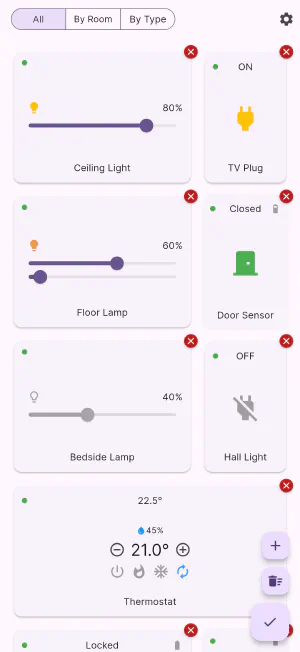
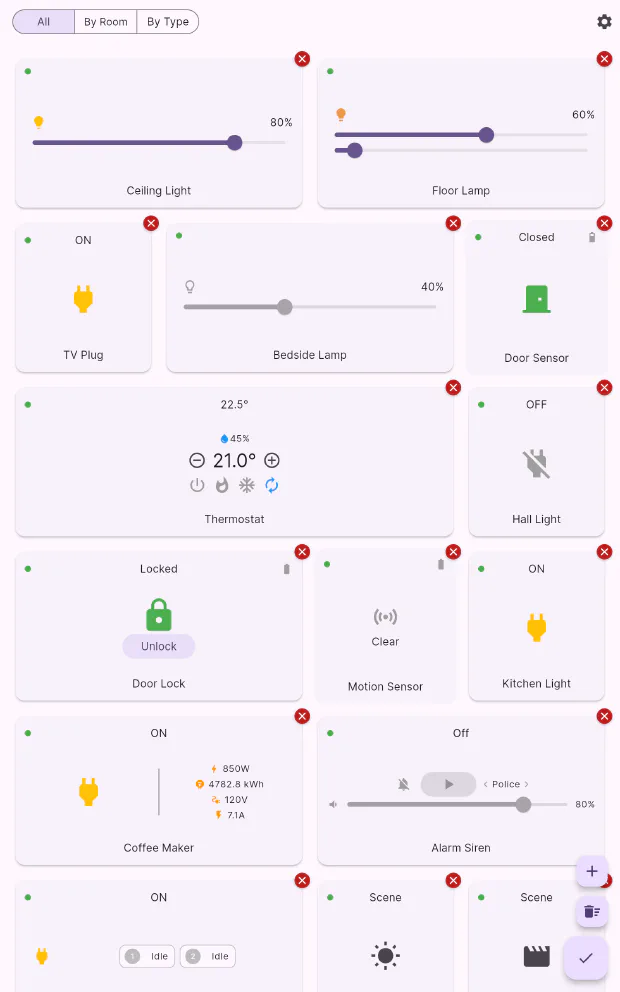
Making it yours
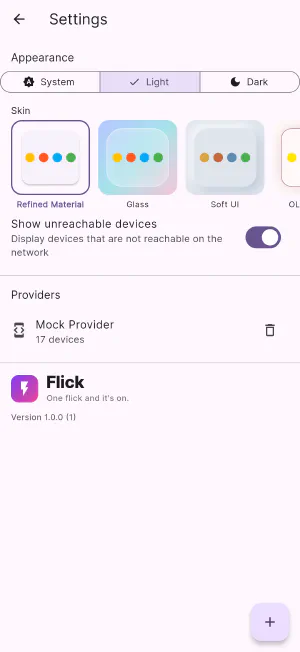
Edit mode, the device picker, and the settings that change how everything looks.
Five skins
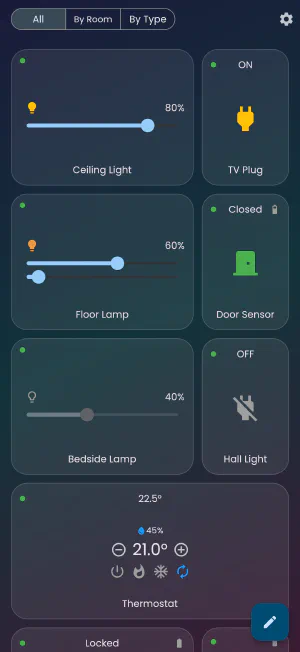
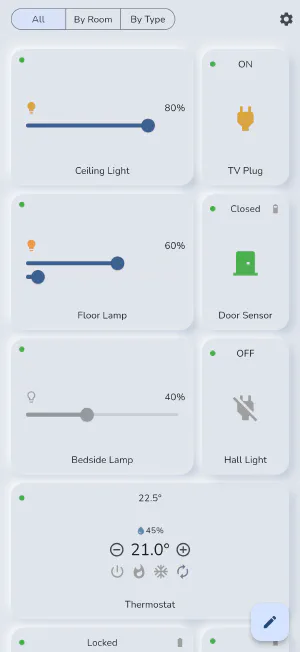
A skin restyles cards, surfaces, backgrounds and icons across the whole app.
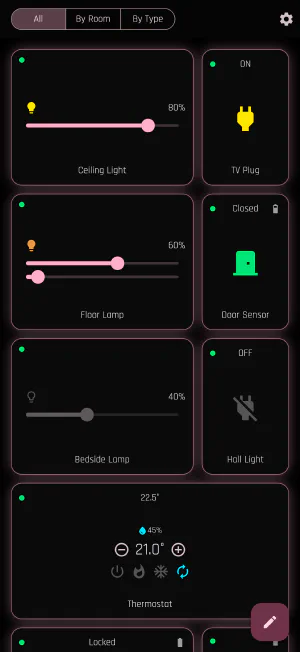
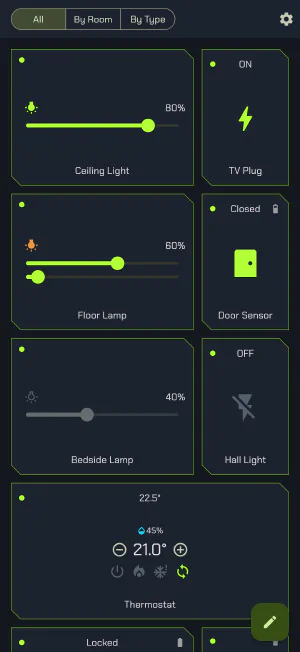
Light and dark
Every skin is designed in both, and Flick can follow the system.
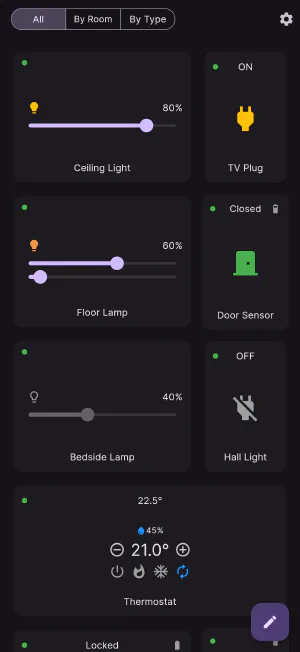
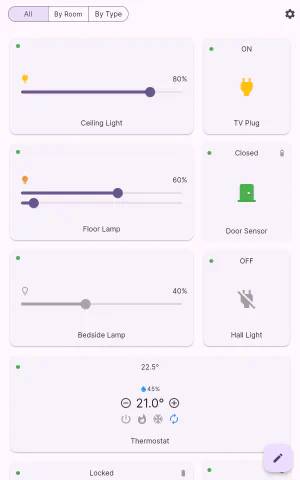
Tablets
More columns, not bigger cards.
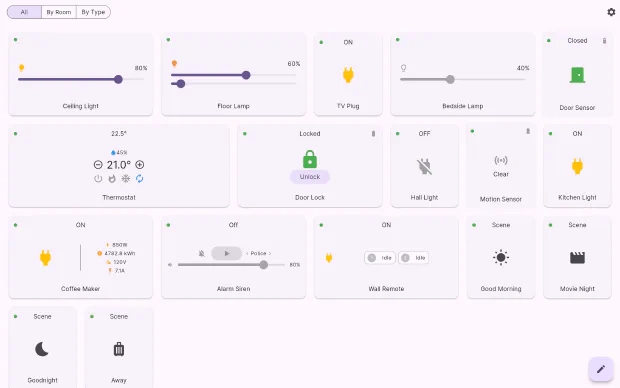
Desktop
A real window on Mac and Windows, re-flowing as you resize it.
Get Flick
Free to download, on every screen you own.