Connections, bookmarks & history
One reorderable list of everything you connect to and every view you saved — grouped, renamed and colour-coded the way you work.
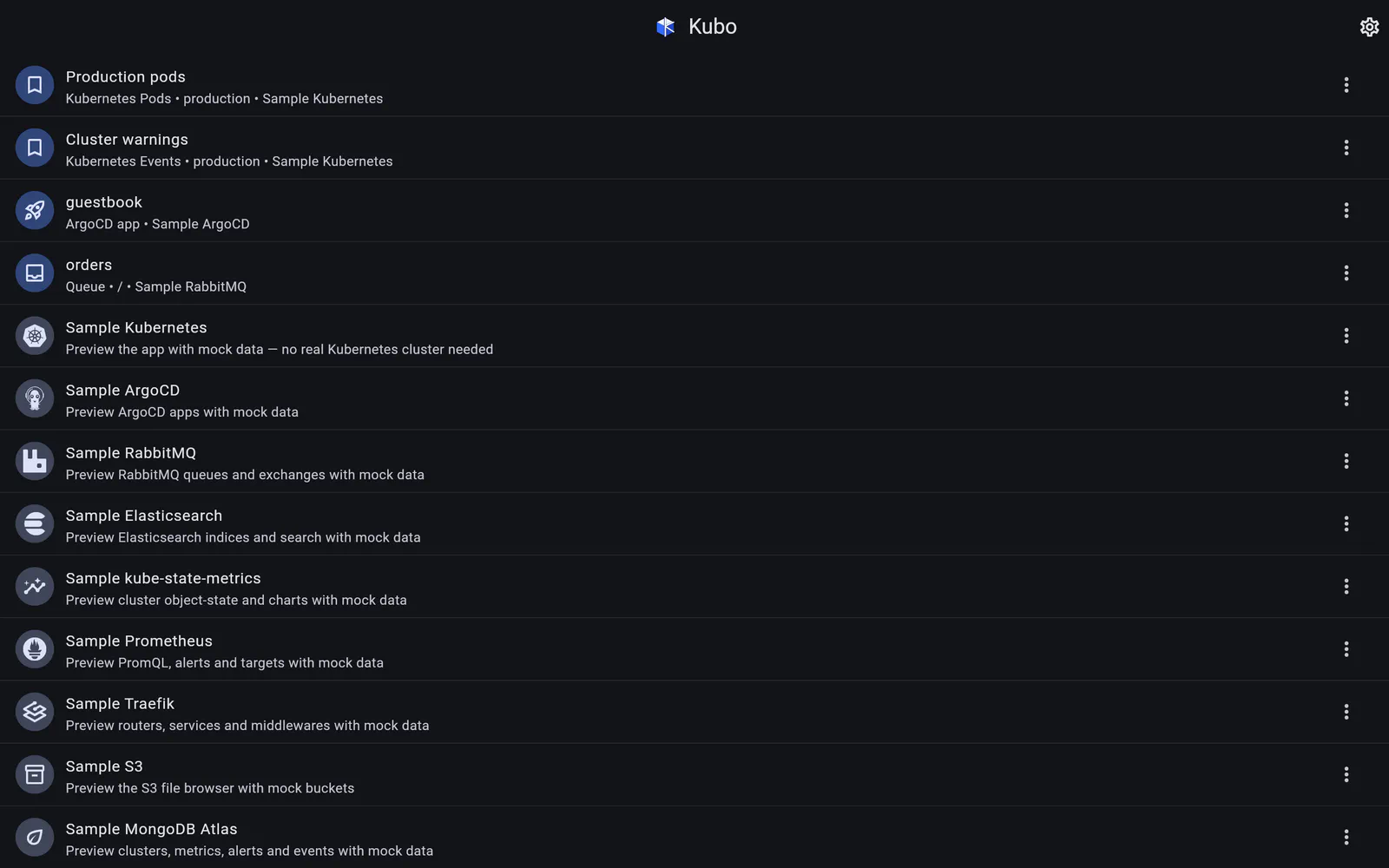
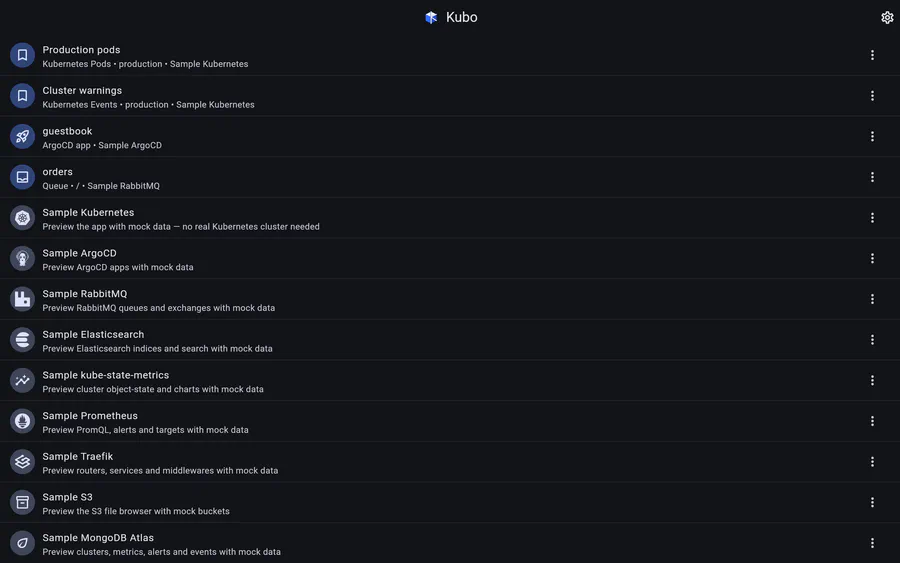
The Connections screen is the app’s home. It has two tabs: Connections (the landing tab) and Recent.
Connections
Bookmarks and connections are interleaved in a single unified list — deliberately with no per-type section headers, because a header per connection type is noise once you have eight of them. The whole list is reorderable by long-pressing any row, and every row has an Edit / Customize action: rename it, edit or clear its subtitle, and give it an accent colour.
Those overrides are pure presentation. They never change how a connection is reached or what a bookmark points at.
Collapsible groups
Long lists get organised into user-named, collapsible groups, which can hold bookmarks and connections alike. Grouping is positional over the existing order: dragging a row beneath a group header joins it, dragging a collapsed group carries its members, and a “Move to group” action in each row’s menu does the same thing without a drag. Everything not in a named group falls into a reserved Other group that can be collapsed collectively — materialised the moment you create your first group, and retired when you delete your last one, so a user who never makes a group sees exactly the flat list they had before.
On a wide screen
At tablet and desktop widths the same panel is pinned as a left-hand menu next to the page, and can be collapsed to a thin rail of connection logos. Switching connections transitions only the content — the menu stays put. On a phone it is a drawer, reachable from every page.
Bookmarks
A bookmark is either:
- a resource — a pod, an ArgoCD app, a RabbitMQ queue or exchange; or
- a view — a screen plus its section, scope (namespace, vhost, bucket) and free-text search. Kubernetes Events · production · “OOMKilled”, or an Elasticsearch search with its chosen columns, or a kubectl console with its command.
Views are restored by writing their filter state back into the app, so a bookmarked view lands on a live screen with the filters applied, not on a frozen snapshot. Log bookmarks store the workload, not the pod, so they keep working after a rollout.
Recent
The Recent tab lists every bookmarkable page you have opened, newest first, each page listed once. It is not wired screen by screen: a page is recordable exactly when it shows a bookmark control, so the recording lives inside the bookmark button itself and a new page cannot be forgotten. Typing in a search field does not spam the list — recording is debounced — and a list screen counts as one page whatever it is currently filtered to.
If a page is bookmarked, it renders in Recent as its bookmark — your custom name, subtitle and colour — and stays in sync when you edit them.
Skins
Four selectable skins ship with the app — Refined Material, Glassmorphism, Neumorphic and Vibrant OLED Neon — each bundling light and dark themes, a semantic icon set and a per-tile surface treatment. Because every chart in the app is drawn by a custom painter rather than a charting library, charts inherit the active skin instead of fighting it.
Screens