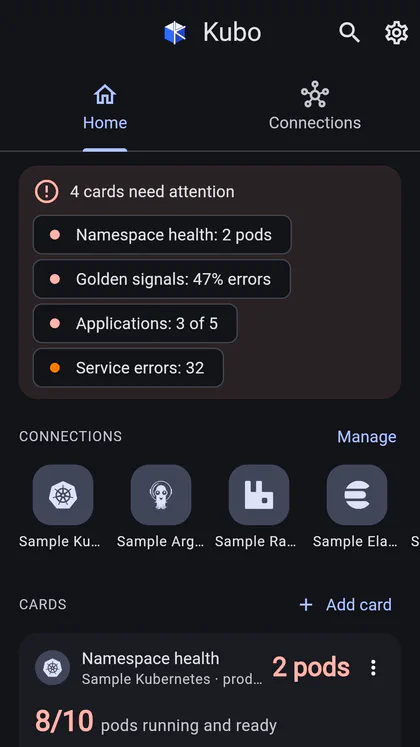
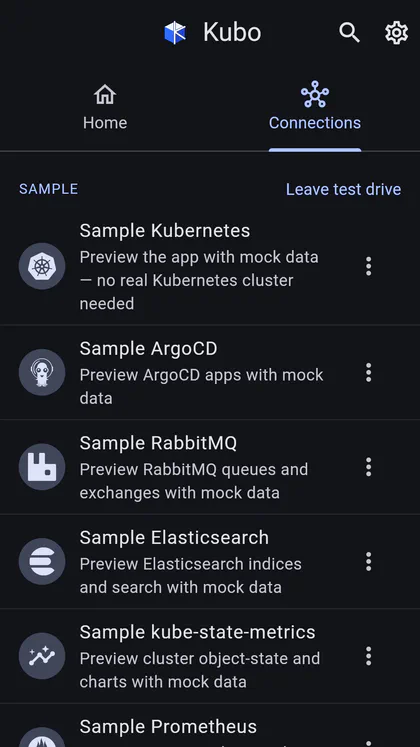
Home & cards
A front page of small live answers — is this namespace healthy, did the backup run, is this queue keeping up — with the ones in trouble at the top.
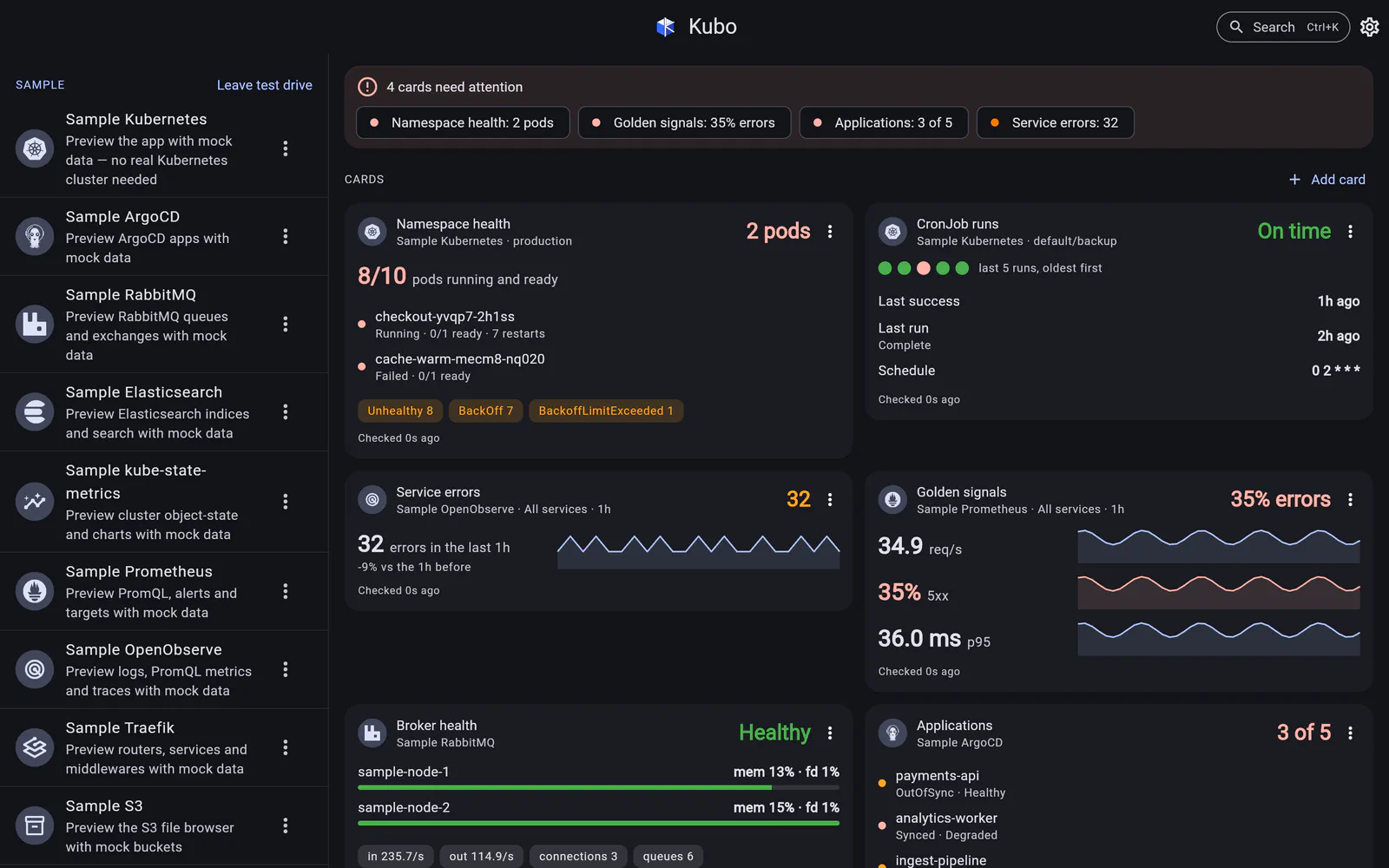
Home is the first thing the app shows. On a phone it is the first of two tabs, beside Connections; on a tablet or desktop the connections list is pinned on the left and Home fills the rest. Above the cards sit your recent pages and one-tap shortcuts to each connection.
Cards are answers
Each card is a ready-made answer to one question, grouped by what you are asking:
| Asking about | Cards |
|---|---|
| Health | Kubernetes namespace health and deployment watch · ArgoCD app status and apps by status · Elasticsearch index health · Atlas open alerts · kube-state-metrics cluster issues · Traefik routing |
| Errors | OpenObserve service errors, top error messages, latest errors and failing traces · Kubernetes crash loops · Prometheus firing alerts |
| Latency and traffic | Prometheus golden signals (rate, 5xx %, p95) · OpenObserve service latency and HTTP status mix · Traefik traffic and errors |
| Capacity | Prometheus disk filling up and node pressure · Kubernetes top pods and pending pods · Atlas cluster load · S3 folder size |
| Jobs and backups | Kubernetes CronJob runs and failed jobs · S3 backup freshness · ArgoCD recent syncs |
| Queues | RabbitMQ queue watch, consumer backlog, dead letters and broker health |
…and a Custom group for the free-form ones: a PromQL chart, the top values of a log field, the logs matching a filter, a saved read-only kubectl command.
Adding one
Add card walks you through it: pick the connection, pick the question, narrow it — the namespace, the deployment, the queue, the service, chosen from what the connection actually has — then see the real card before you save it. Thresholds, field names and queries have working defaults under Advanced, so most cards need two or three taps. Before you have any, Home offers a starter card for each connection in one tap.
Live, without staying connected
Nothing stays open in the background. Each card makes one round trip when Home is shown, when you pull to refresh, when the app comes back to the front, and every minute while you are looking at it — and says when it last checked. Cards over counters (restarts, dead letters, Traefik requests) remember the previous check, so they can say what changed since then. Sparklines appear only where the source genuinely has history: PromQL, OpenObserve histograms, RabbitMQ samples, Atlas measurements.
Tapping a card opens the page behind it, filtered the way the card counted — and a row on a card (one error message, one failing pod) opens that one thing.
Screens