
Live logs & pod terminal
Stream logs from a pod or a whole workload, filter them as they arrive — and get a real interactive shell inside a container.
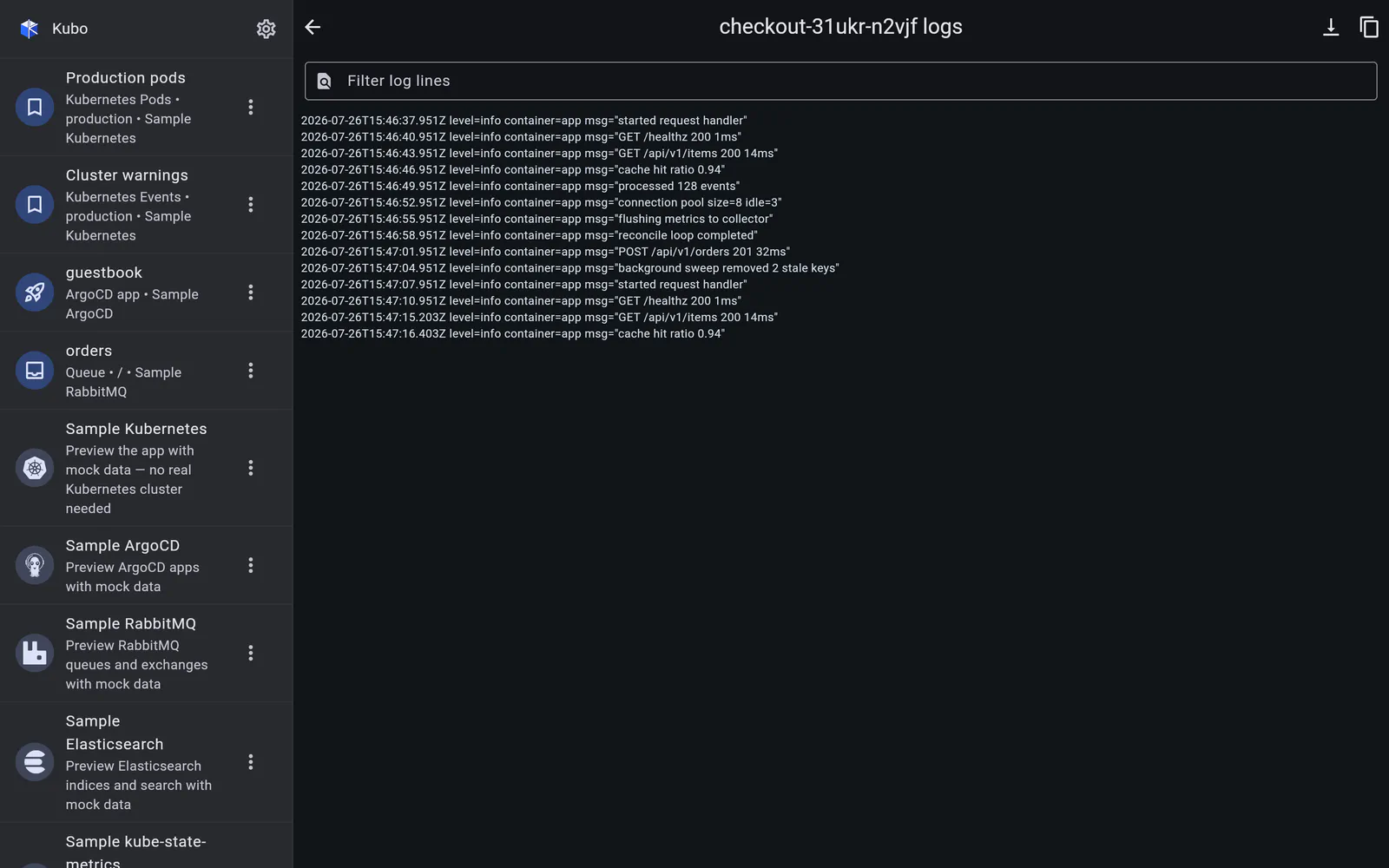
Logs
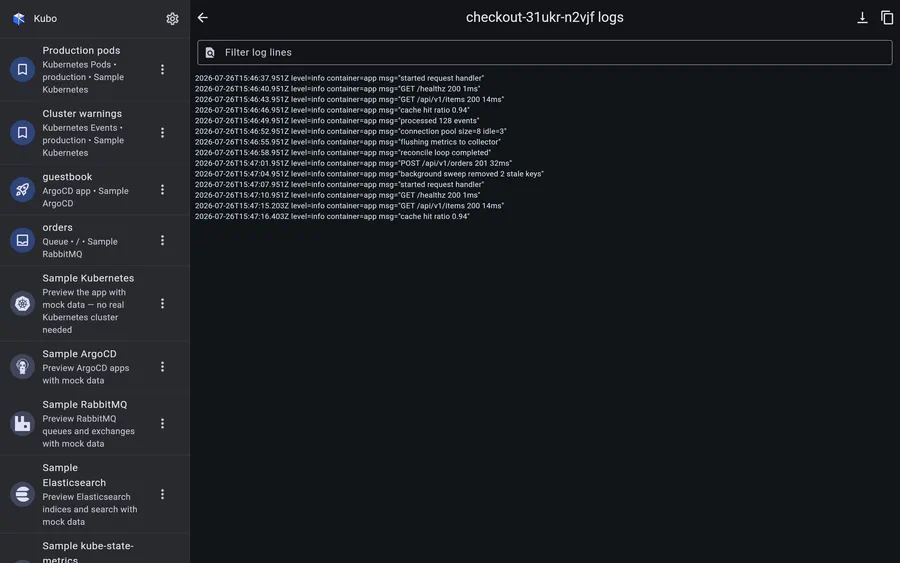
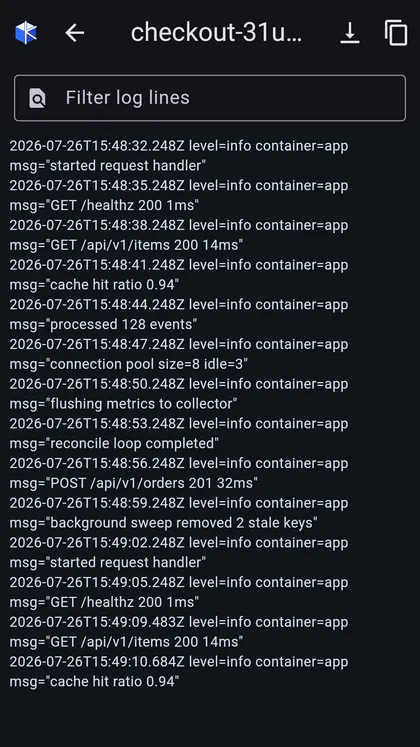
Log streaming uses a real streamed HTTP response with a cancel token owned by the screen, so closing the page tears the connection down instead of leaking it. The viewer chrome is shared by every log screen in the app — pod logs, aggregated workload logs and ArgoCD logs — and gives you:
- a line filter with a live match count;
- auto-scroll that pauses when you scroll up and resumes on a tap;
- a compact-JSON toggle that folds structured log lines into something readable on a narrow screen;
- copy-visible, which puts exactly what you are looking at on the clipboard.
For a workload, Kubo resolves its pods through the label selector, opens one stream per
pod × container and merges them, tagging each line with [pod] or [pod/container].
That page is bookmarkable: the bookmark stores the workload and its selector, not a pod
name, so it keeps working after a rollout replaces every pod.
Terminal
The pod terminal is Kubo’s kubectl exec -it — an interactive shell in a container,
reachable from the pod row menu, the pod detail app bar, or any container row.
SSH is deliberately not how pods are reached. Pods rarely run sshd, whereas exec
goes through the API server and therefore reuses the cluster’s existing auth, TLS and
network path — no new credentials, no new listening port.
The remote-command subresource speaks a framed WebSocket protocol
(v5.channel.k8s.io, falling back to v4) rather than REST: every message is a channel
byte plus payload (0 stdin, 1 stdout, 2 stderr, 3 status, 4 resize). Kubo performs the
upgrade handshake by hand on a raw HTTP client rather than through the platform
WebSocket.connect, for one specific reason: a refusal’s response body can then be read
and mapped to the same typed error the rest of the app shows. WebSocket.connect
collapses every non-101 response into an opaque “not upgraded”, which is exactly the
information you need when a role is missing.
The terminal widget is a real terminal emulator (xterm), so line editing, control
characters and resizes behave. On the web the feature reports a clear “unsupported”
error instead of failing strangely — a browser WebSocket handshake cannot carry the
client certificate or bearer header the API server needs.
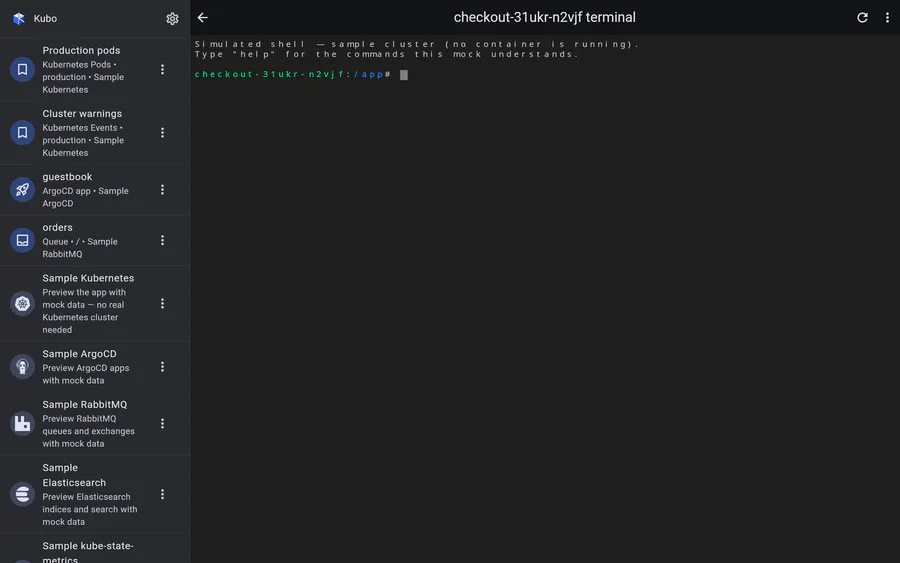
Try it with no cluster. The sample Kubernetes connection ships a simulated shell — TTY echo, line editing and a small command set — so the terminal demos end to end with no backend at all.
Screens
Back to Kubernetes.