
Exchanges & connections
Exchanges with their bindings, and client connections you can force-close when one goes rogue.
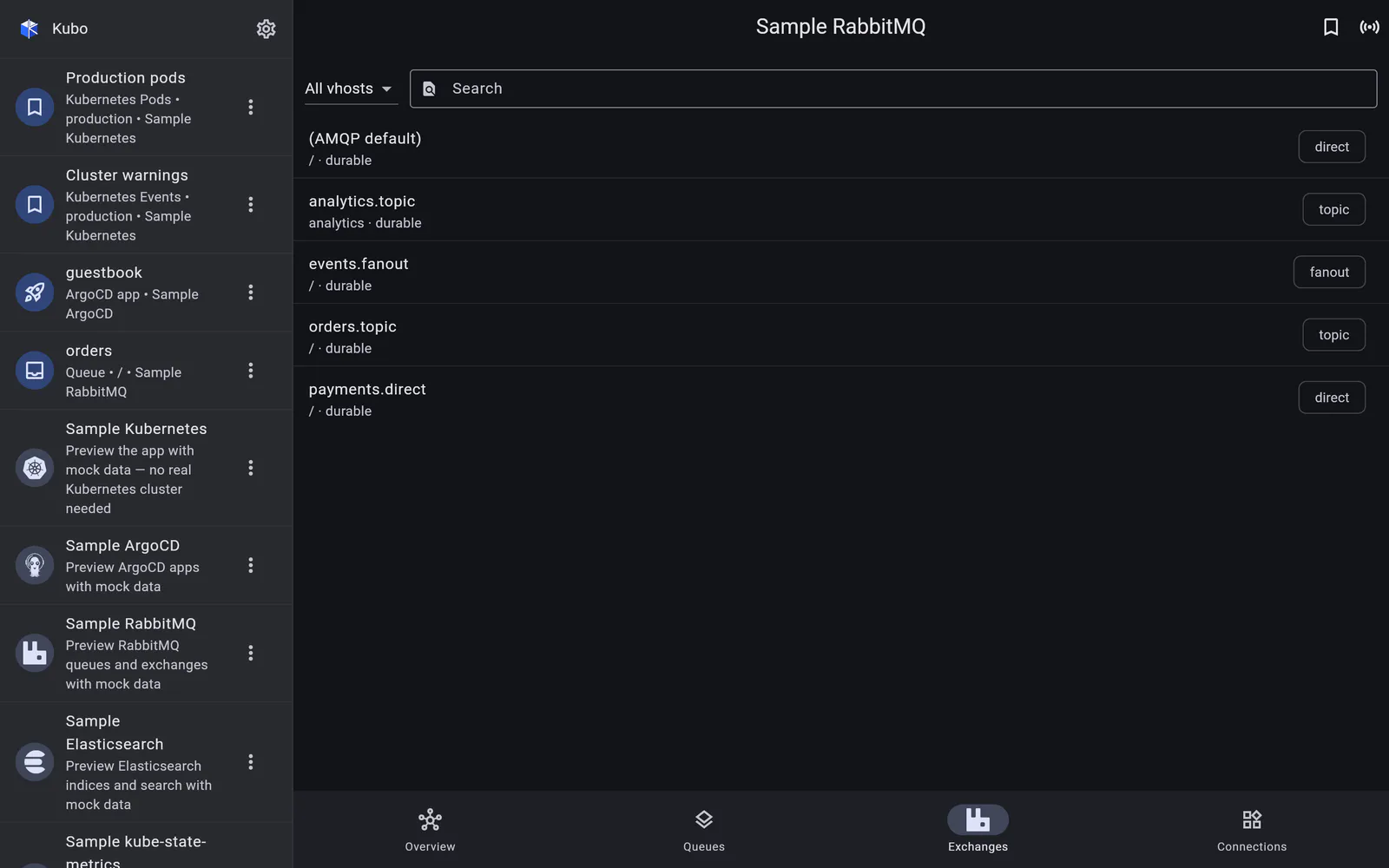
Exchanges
Exchanges share the Queues section’s vhost filter and search. Each row shows the exchange’s type (direct, topic, fanout, headers), durability, and its publish-in and publish-out rates.
Tapping one opens its detail page with a summary header and its bindings — the destinations it routes to and the routing keys that get them there. Between this and a queue’s bindings you can follow a message’s path in either direction without a laptop.
Delete is available, behind a confirm.
Connections
The Connections section lists client connections to the broker: peer address, user, protocol, channel count, and the state each one is in.
The action here is force-close, behind a confirm — the fix when a client is stuck, leaking channels, or holding a queue in a state you need it out of. It is the RabbitMQ equivalent of killing a session, and having it on a phone means not needing a jump host to do it.
Back to RabbitMQ.