
SSH
A real terminal to any machine running SSH — with jump hosts, port forwarding, file transfer and host keys pinned on first use.
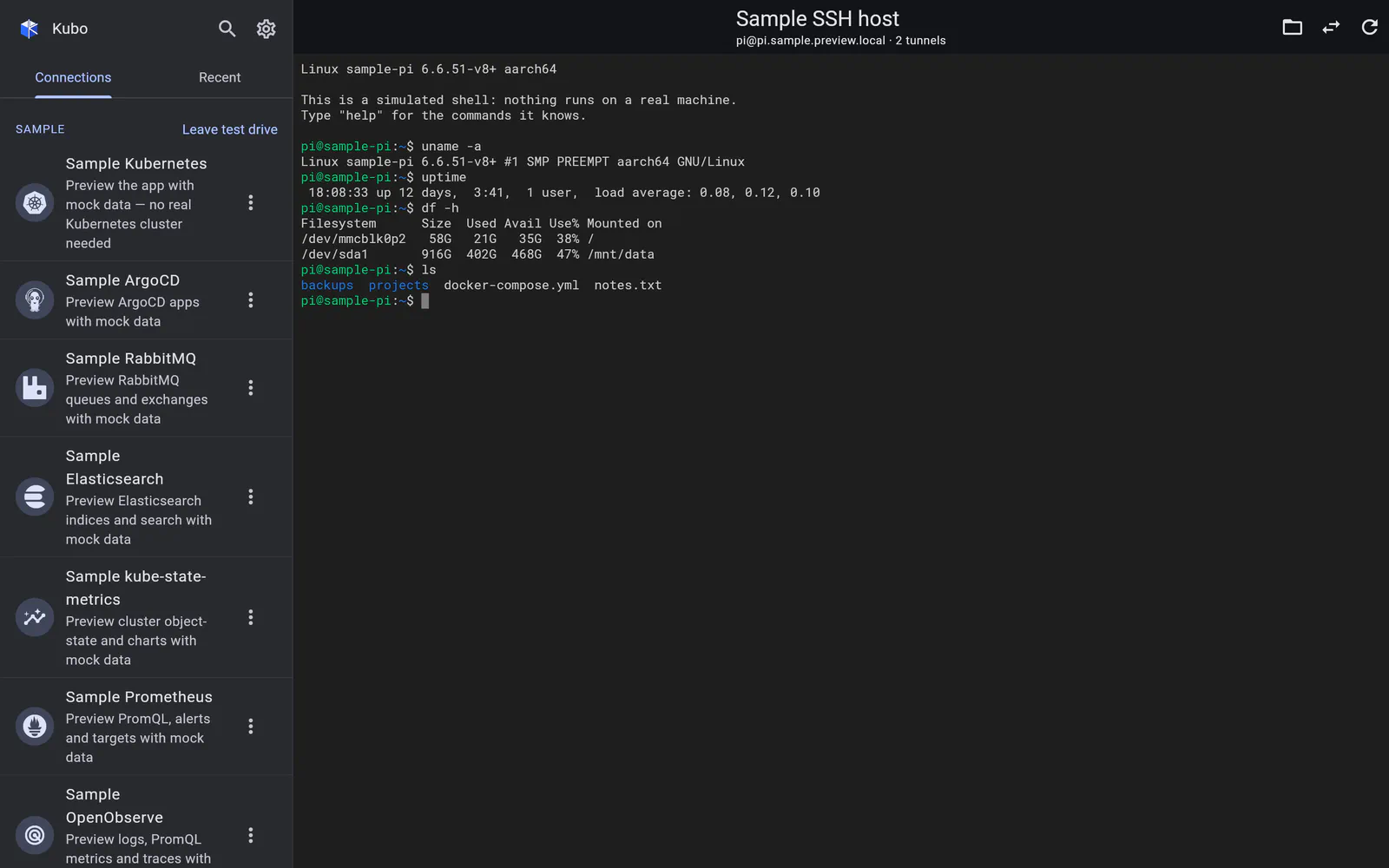
Not everything you get paged about runs in Kubernetes. A saved SSH host is a connection like any other — host, port, user and a credential — and opens as a full terminal: the same emulator, touch key bar and Reconnect banner as the pod terminal.
Signing in
A host signs in with a password or a private key (OpenSSH or PEM, passphrase
supported), both kept in the credentials manager so one key
can serve every host that accepts it. Anything that can be checked before dialling is — a
missing credential, an encrypted key with no passphrase, a key that won’t parse — and every
failure says what to do next: the network path to check, the ssh-copy-id to run, the
ssh-keygen -lf that compares a fingerprint.
Host keys, pinned
The first time you connect, Kubo shows the server’s key fingerprint — in the same
SHA256:… form ssh-keygen -lf prints — and remembers it once you trust it. After that a
different key is refused, with both fingerprints on screen, which is the whole point
of pinning. Two connections to the same server share one pin, the way ~/.ssh/known_hosts
does.
Setting hosts up without typing
The add form takes a pasted user@host:port. Better still, paste a whole ssh command
(-J, -p, -L, -D, -R, -i, -o all understood) or your ~/.ssh/config —
Host blocks, ProxyJump, wildcard defaults — and Kubo creates the hosts and wires their
jump hosts, reusing any it already has. Going the other way, any saved host copies out as
an ssh command or a config entry.
Nodes, too
A saved host can be mapped to your Kubernetes nodes — by internal IP, external IP, hostname or node name, with a DNS suffix such as your tailnet’s — so one host covers a whole cluster, and every node’s page offers an SSH terminal. (If you’d rather not keep SSH keys at all, Kubo can also open a root shell on a node through the API server.)
Try it with no server. The sample host runs a simulated shell —
ls,cd,cat,df,uptimeand friends, over an in-memory home directory — so the terminal, the files sheet and even a working “Web” tunnel demo end to end.