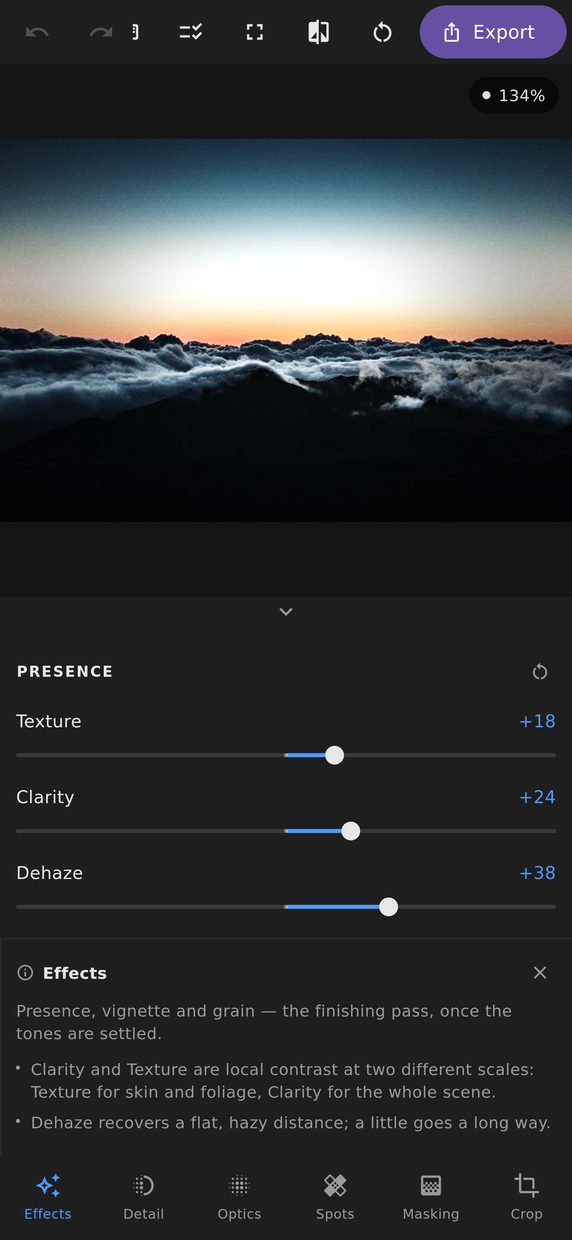
Export applies the edit you just approved to the full-resolution original by exactly the route the preview took — which is what makes the preview worth trusting in the first place.
Formats and quality
JPEG with a quality setting, PNG for lossless with transparency, TIFF for handing off to something else. An optional long-edge cap resizes on the way out, so “the full-quality archive” and “something small enough to email” are the same edit with a different number in the box.
The metadata policy strips location by default
Your camera or phone probably wrote GPS coordinates into the file. Those coordinates are frequently the inside of your house.
So the default is to strip location, and keeping it is a deliberate choice you make rather than a leak you discover later. Camera settings and copyright can be preserved or removed independently — this is a policy you set, not a checkbox you are expected to remember. It applies to PNG as well as JPEG: keeping the date and camera in a PNG keeps them.
The same principle runs through the whole editor: an offered action that cannot work is worse than an absent one, and a default that quietly does something is worse than a default that does nothing. A privacy default is the strongest case of it.
Watermarks and filenames
A watermark is applied on the way out, with position and opacity. It belongs to this output rather than to the photograph, so the same picture can go out watermarked to one place and clean to another without you keeping two versions of the edit.
A filename template builds names from the original name, the date, a sequence number and the preset, which is what makes exporting a whole shoot survivable.
Never over the original
An export is always a new file. A save pointed at the photograph it came from is refused
outright — there is no “replace” to click through, because the original is what every edit is
interpreted against. Any other name that is already taken is a question, asked before anything
is written: replace it, cancel, or keep both, which saves the new one as sunset (2).jpg.
The extension follows the format you chose, so switching from PNG to JPEG after typing a name
does not leave you with a JPEG called .png.
Very large photographs
A photograph can be larger than a graphics chip can hold in one piece. When it is, it is made in sections instead — automatically, with nothing for you to set.
Done carelessly that leaves visible seams, because clarity, texture, dehaze, sharpening and noise reduction all depend on the area surrounding each pixel — and at the edge of a section, that area is missing. So each section is made larger than it needs to be, by however much your particular edit reaches, and the surplus is discarded. The result has no seams in it, at any size.
Layouts
Beyond a straight export there are three composed outputs: a before-and-after as a single image, a contact sheet of every preset over one photograph, and fitted layouts — square, portrait, story or landscape — that place the whole frame on a blurred fill of itself, for the platforms that insist on a shape your photograph is not.
Sharing
The result can go to the system share sheet, to the clipboard, or straight to a file, wherever you keep your photographs.