Undo that matches what you did
Dragging a slider from 0 to +40 generates hundreds of intermediate values. Recording each as an undo step would mean pressing undo forty times to get back where you started, which is not undo, it is punishment.
A drag collapses into one history step. Undo takes you to before the drag; redo takes you back to after it.
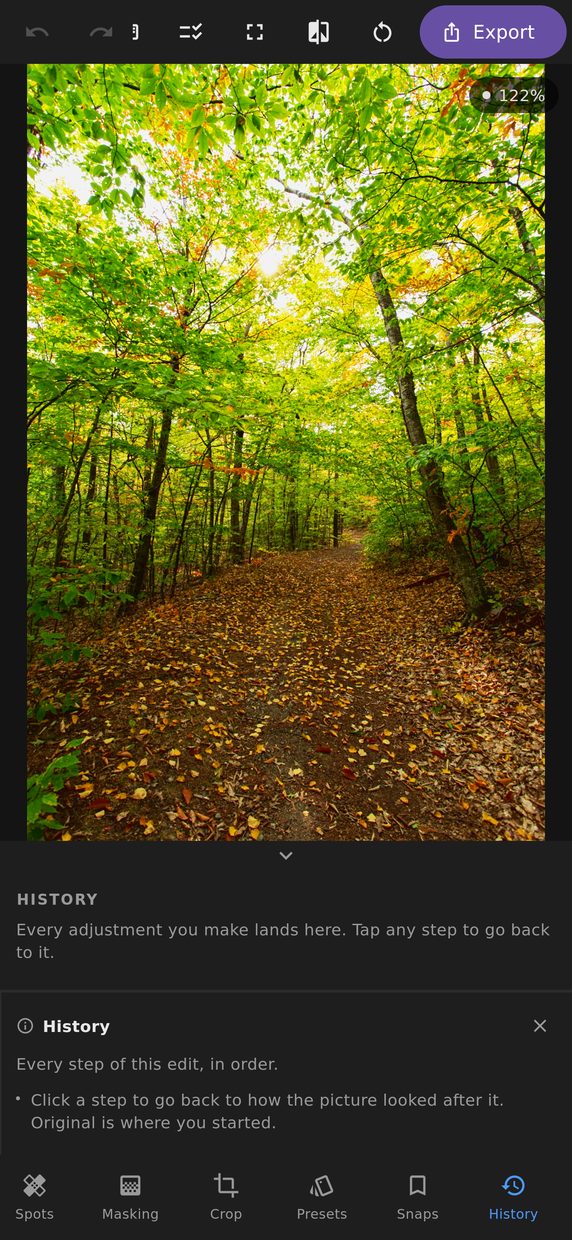
The history panel
Every step is listed in plain language — “Exposure +0.22”, “Added radial mask”, “Cropped to 16:9” — and you can jump directly to any of them.
Jumping back gives you that moment exactly, not an approximation of it, and jumping forward again returns you to where you were. Nothing degrades from moving around, so the history is somewhere you can explore rather than a one-way escape hatch.
Snapshots
A history entry is a moment in a sequence; a snapshot is a version you named. Take one before trying a heavier grade and you can compare the two directly, keep both, and come back in a week knowing which was which.
Edit steps
A separate sheet lists everything the edit is currently doing — not what you did, but what is active — in plain language, with each step switchable off.
This is the answer to “why does this photograph look like that”, which is a genuinely hard question once an edit has thirty non-zero values and four masks. Switch a step off and see what it was contributing; switch it back on. It is a way of looking, not an edit — your settings are untouched by it.
Before and after
Press and hold anywhere on the canvas to see the original. Or open the side-by-side comparison, which renders both halves through the same crop so they line up exactly — a comparison where the two sides are framed differently is worse than none.