Almost everything on this site follows from one decision, so it is worth stating on its own.
Your edit is a recipe
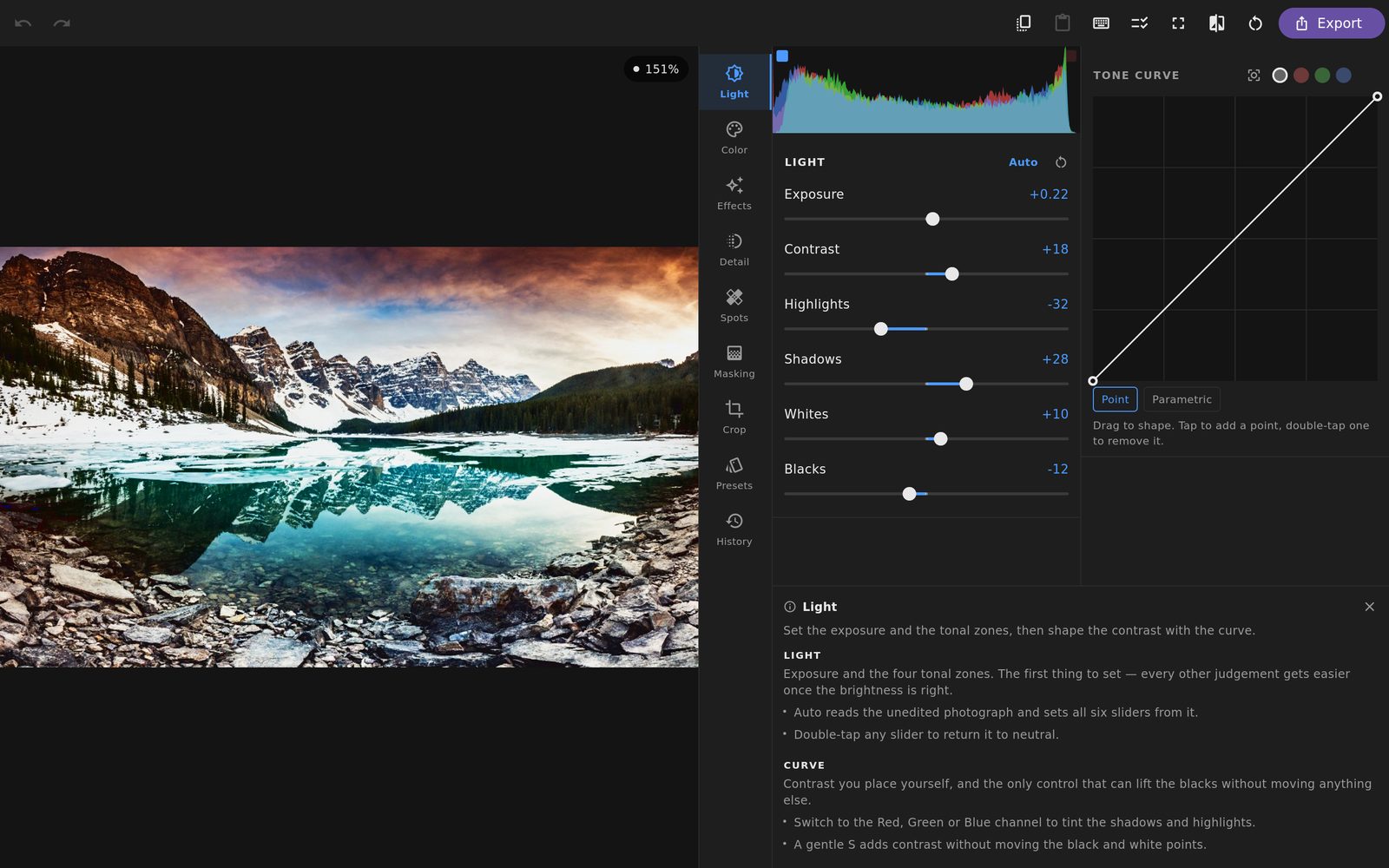
When you move a slider, nothing happens to your photograph. A value changes in a small, complete description of the edit: the tone and colour settings, the curve, every mask and what it does, the crop, the geometry.
Making a picture is what happens when that recipe is applied to your original. It is applied fresh every time — to a fast preview while you work, and to the full-resolution file when you export.
What it buys
Reversibility that does not decay. Reopen a photograph a year later and every adjustment is still a live control. Change the exposure and the crop, the masks and the grading are all still there, still working. There is no generation loss, because there is no generation — every render starts from your original.
Presets and copy-and-paste for nothing. A preset is just your edit with the parts that were specific to one photograph removed. Sending someone your look is sending them a small file.
Consistency across a shoot. Develop one frame properly, then paste it onto the rest and adjust each for its own exposure.
Any resolution. The recipe says “vignette at −28”, not “darken these particular pixels”. The same edit is correct against a small preview and a sixty-megapixel original, which is what lets the preview be fast without being a lie.
The original is never modified
The file that came off your camera is opened to be read. Nothing is written back to it. What you get out is a new file, made when you ask for one — and if you never export, nothing is written at all.
That means the worst outcome of experimenting is a recipe you do not like, which you can change or discard. It is never a photograph you have damaged.
When you do want pixels
Some retouching cannot be described as a recipe — a heal that follows a brushed stroke, a selection filled from its surroundings, a layer of paint. For that there is Pixel Studio, a separate and clearly marked workspace. It works on a baked copy and hands back a new photograph, so even there the original is not touched, and the edit that produced the copy is still beside it, still live.
A preview you can trust
Working against a fast preview is what keeps the app responsive. It would also be an easy place to cheat: an effect measured in screen pixels looks one way in a small preview and quite another in a large file, and you would not find out until after you had committed.
So nothing here is measured in screen pixels. Grain, vignetting, blur radii and the reach of every local adjustment are all measured against the frame, so they occupy the same proportion of the picture at any size. What you approved on screen is what lands in the file.