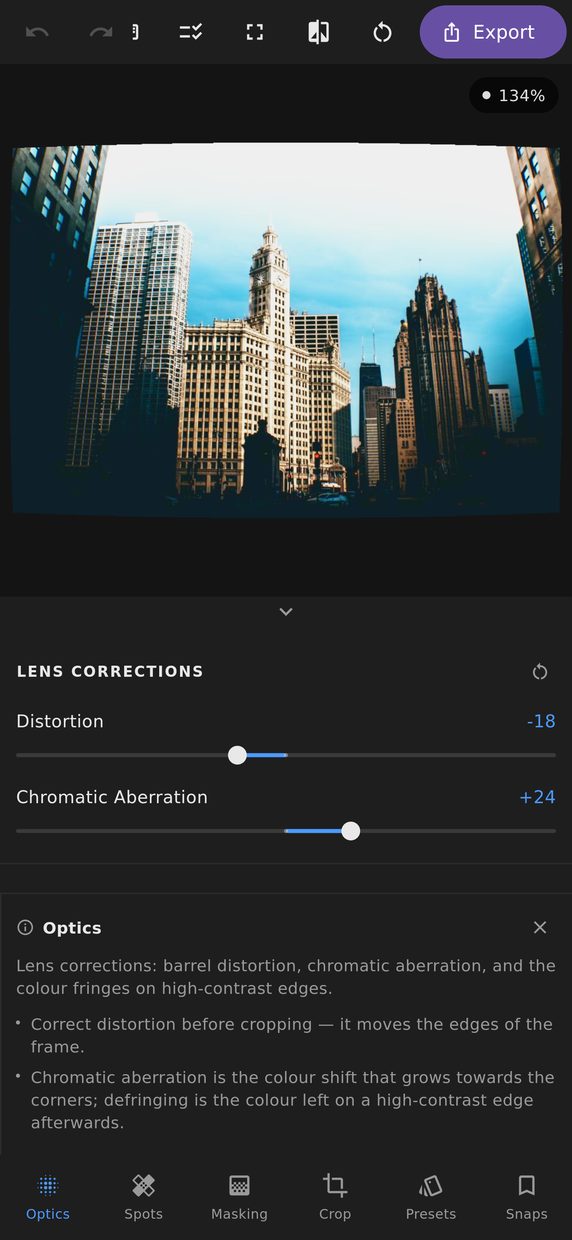
Every lens leaves a signature. A wide angle bows straight lines outward; a cheap one focuses red and blue at slightly different distances so edges get coloured halos. These are the controls that take them back out.
Distortion
Barrel distortion bows straight lines away from the centre — most visible at the wide end of a zoom, and most annoying on architecture and horizons. Pincushion does the opposite, and turns up at the long end. One slider covers both directions.
Chromatic aberration
Lateral chromatic aberration is the lens focusing the red and blue channels at different scales, so away from the centre of the frame every high-contrast edge gets a coloured rim. The correction rescales the channels relative to each other until the edges line up.
The separation involved is a fraction of a pixel, so it is corrected at that scale rather than by whole pixels — which is the difference between an edge that cleans up and one that merely moves its coloured rim somewhere else. It is most visible at the corners of the frame and absent in the middle, so judge it there.
Defringing
Defringing is a different problem from chromatic aberration, even though they look alike. It removes the purple and green halos around very high contrast edges — backlit branches, chrome in sunlight — with a separate strength for each colour.
Defringing looks at how anomalous a colour is for its surroundings rather than at the colour alone, which is the distinction that keeps it useful. A fringe is purple in a place where nothing else is; a purple flower is purple in a place where purple belongs. A correction that cannot tell those apart will mute the flower as enthusiastically as the fringe, and you will not notice until you look at the one photograph you cared about.
Lens profiles
A correction that works for one lens works for every photograph taken with it. Settings can be saved against the lens name carried in the file’s information and offered again the next time a photograph from that lens is opened.