
Plan it. Board it.
Ship it
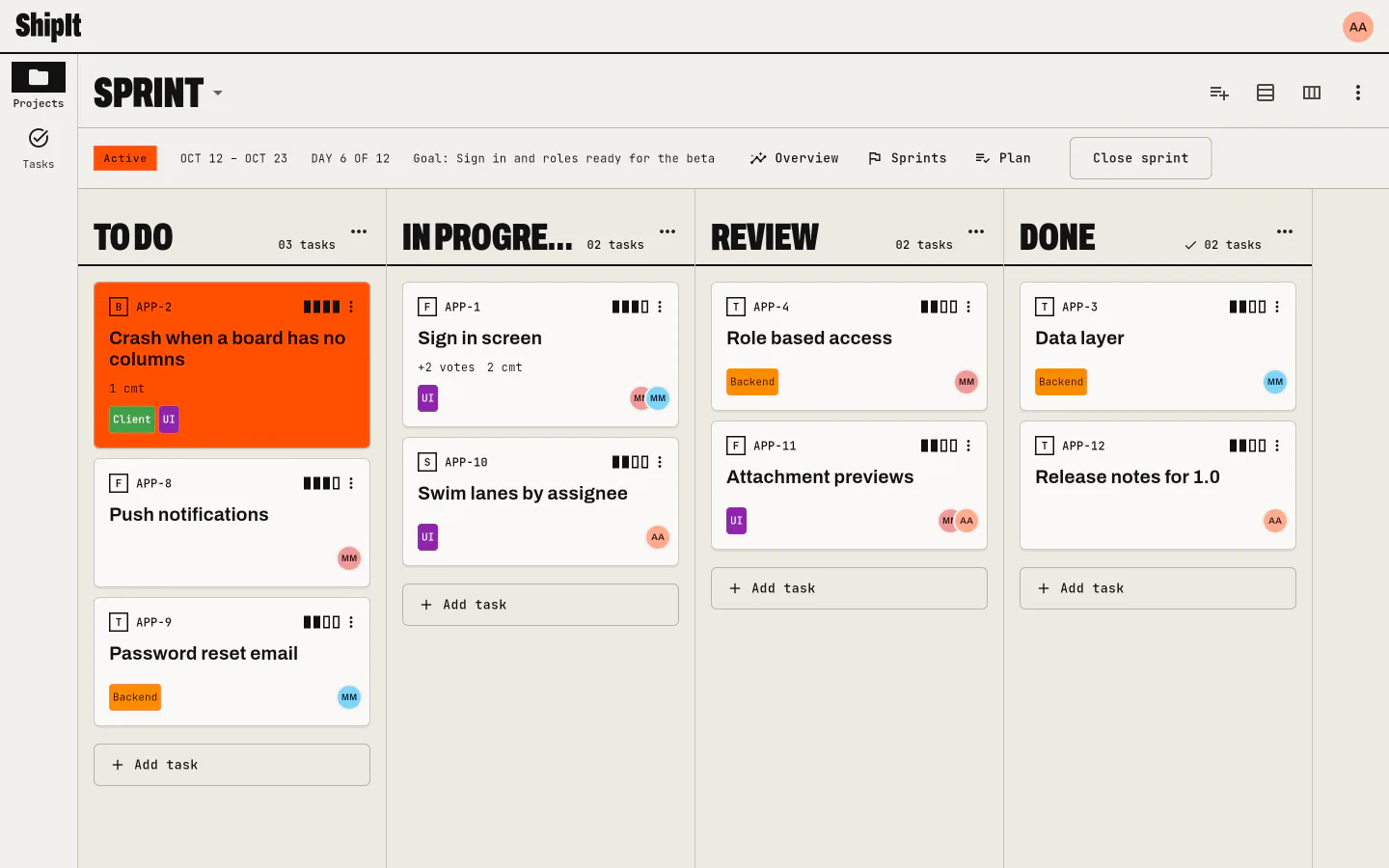
ShipIt is a project manager for small teams. Each project has its own workflow, Kanban boards and sprints. You open and edit tasks right where they are listed, keep the views you use on your home screen, and can run a project straight from a GitHub repository.
Everything a small team needs
No setup project, no plugin store. Projects, boards, tasks and roles work together from the first screen, on every device you use.
Projects with their own workflow
Every project defines its statuses, members and roles. Statuses fall into to do, in progress and done, so "open" always means something.
Read more → ship-02Boards and sprints
Several Kanban boards per project, one column per status, swim lanes by assignee, priority, type or your own values. Sprints with goals, plans and an overview.
Read more → ship-03Change many tasks at once
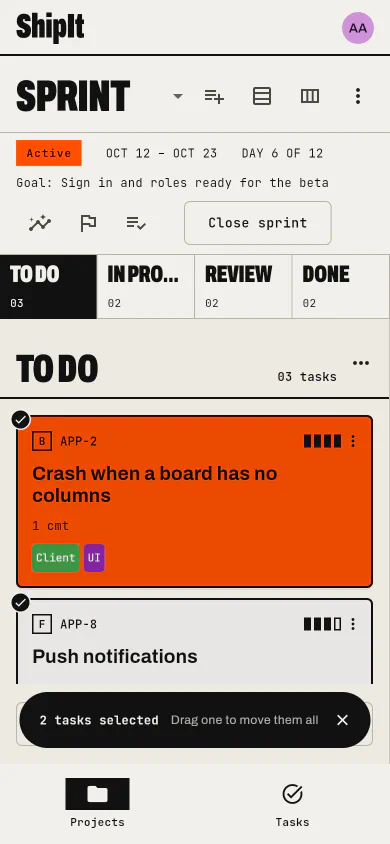
Long press a card on a board, tap the others and drag one; they land in the order you picked them. On the Tasks screen, select rows and set their status, assignees, tags or priority, or add them to a board, in one go.
Read more → ship-04Tasks in place
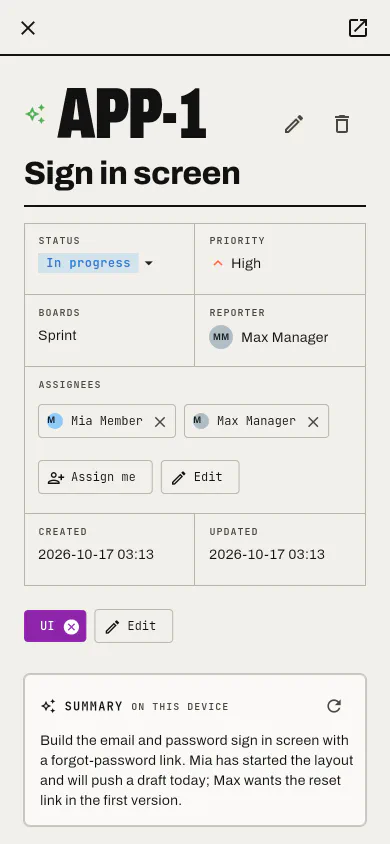
Open any task in a dialog from wherever it is listed, with a ⋮ menu for quick edits. Markdown descriptions and comments, votes, tags, several assignees, @mentions and files.
Read more → ship-05Search and saved views
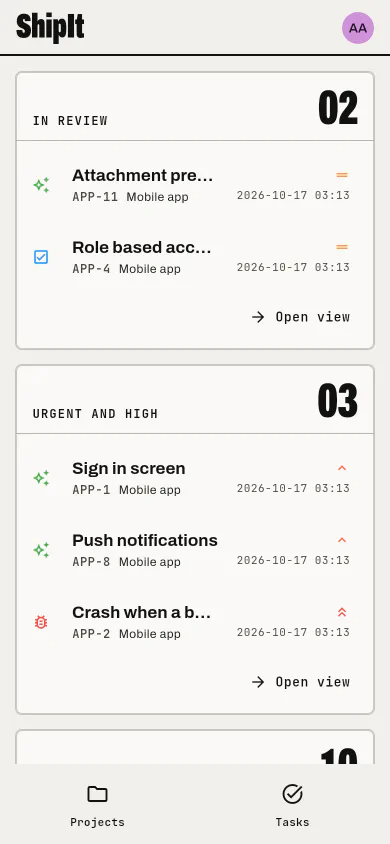
Search every project at once, filter by anything, save the filter as a view, and pin your views to the home screen.
Read more → ship-06GitHub-backed projects
Link a project to a repository and its issues become the tasks, with the same numbers, dates and authors, kept in sync both ways. Boards, sprints and votes stay in ShipIt.
Read more → ship-07A summary written on your device
Where the device has a built-in model, opening a task shows a short summary of it and its comments. Nothing leaves the device.
Read more → ship-08Roles you can edit
Viewer, member, manager and admin to start, your own roles next, and a project role that overrides the workspace one.
Read more → ship-09Your team, or just this device
Sign in to share a workspace with your team, or keep everything on this device with no account at all.
Read more →Built around the board
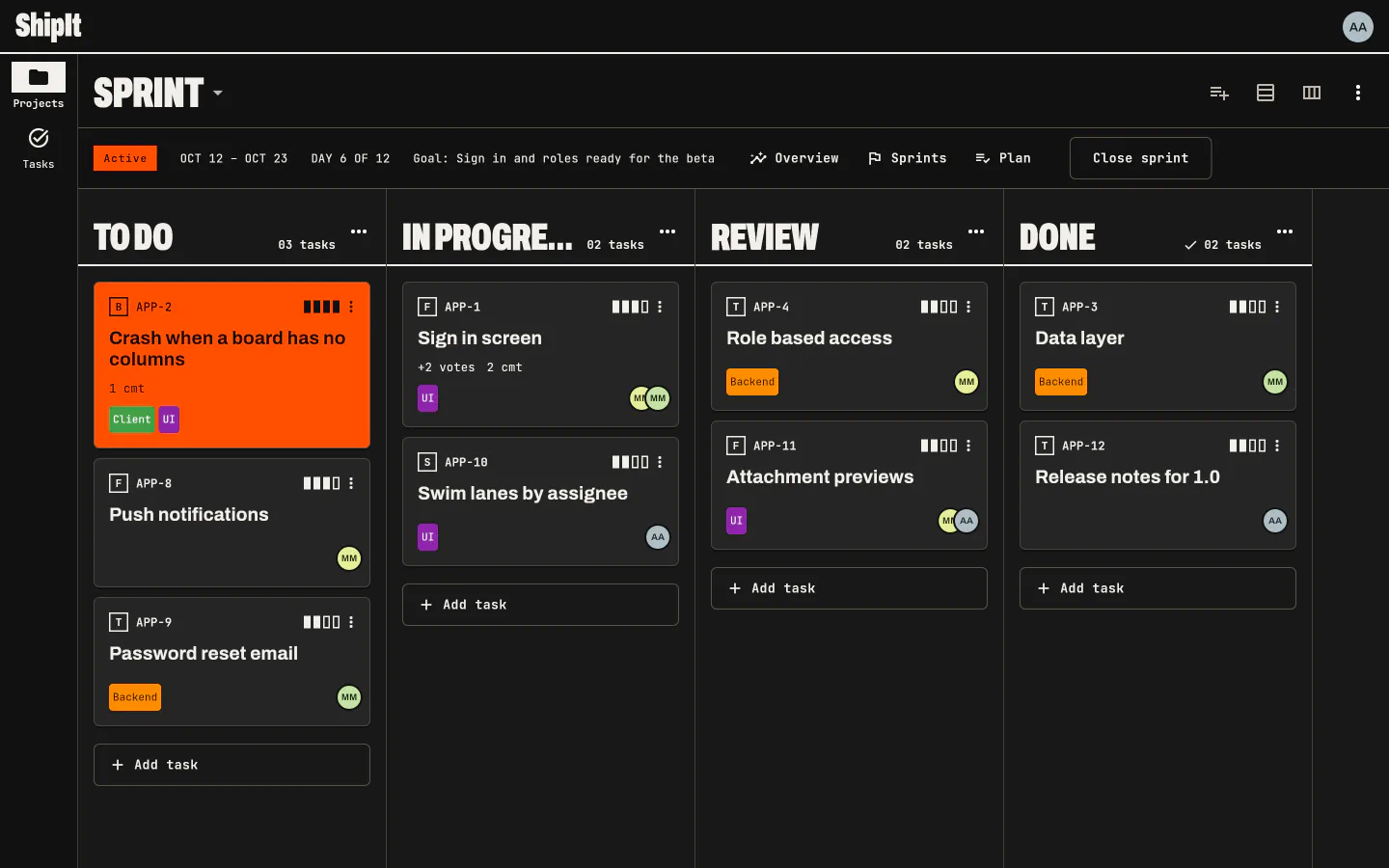
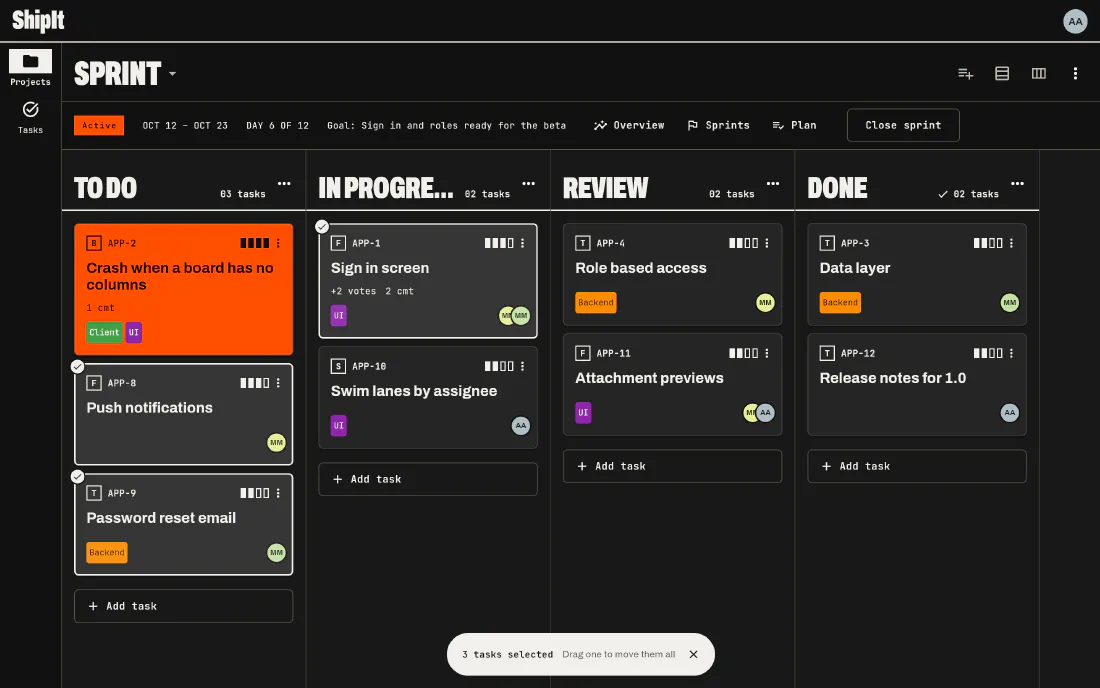
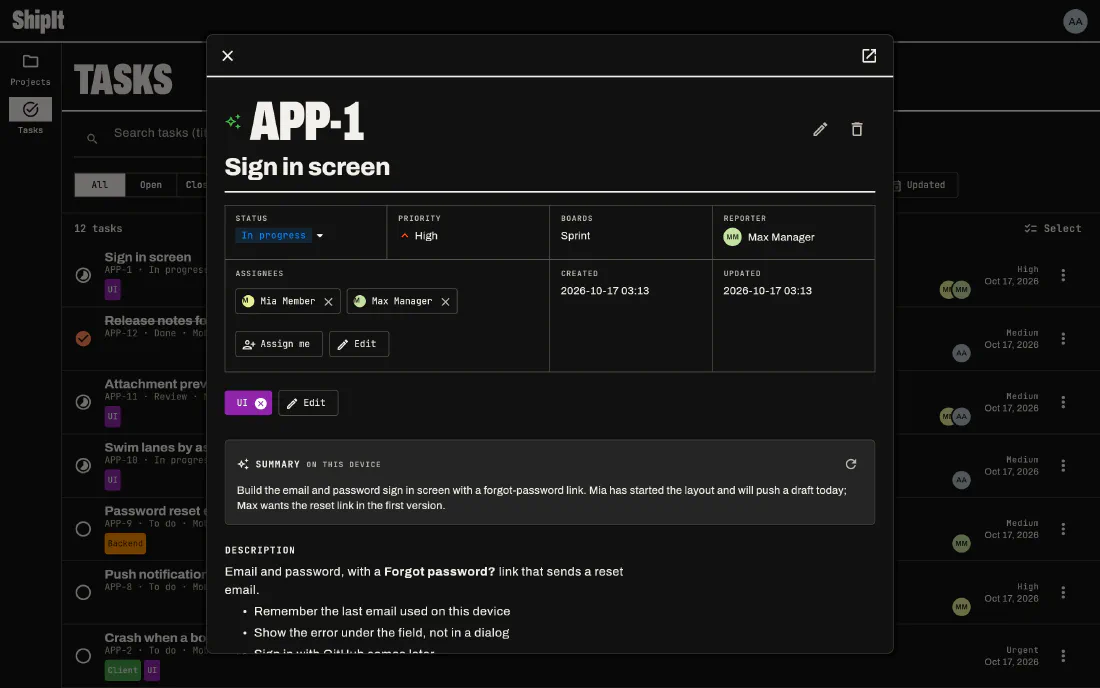
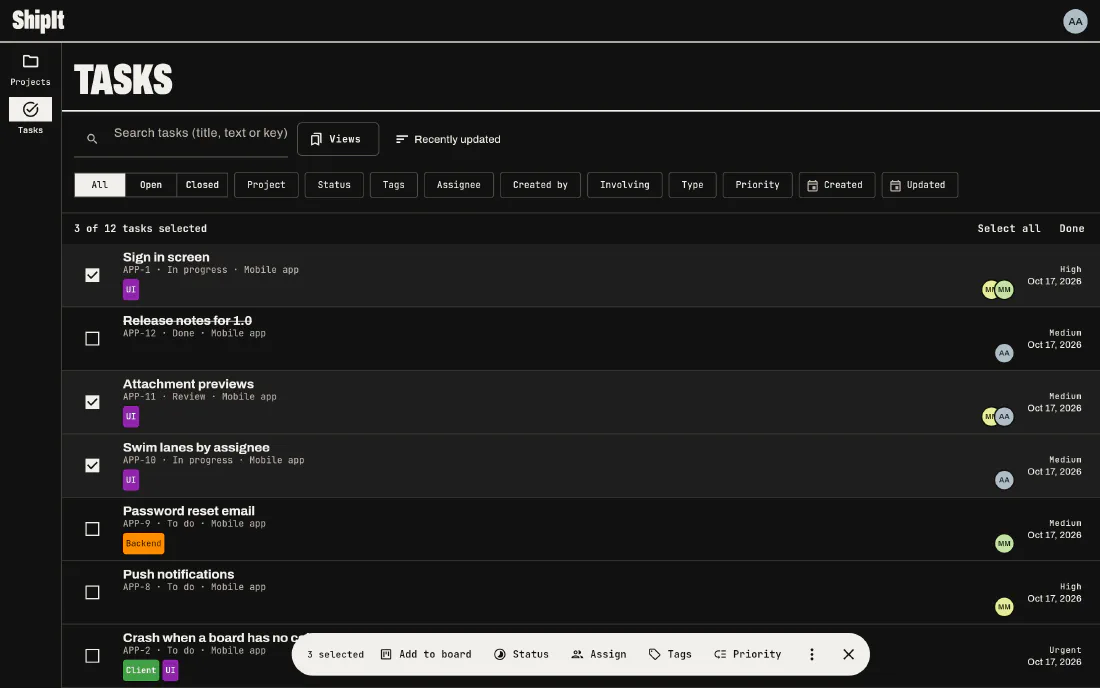
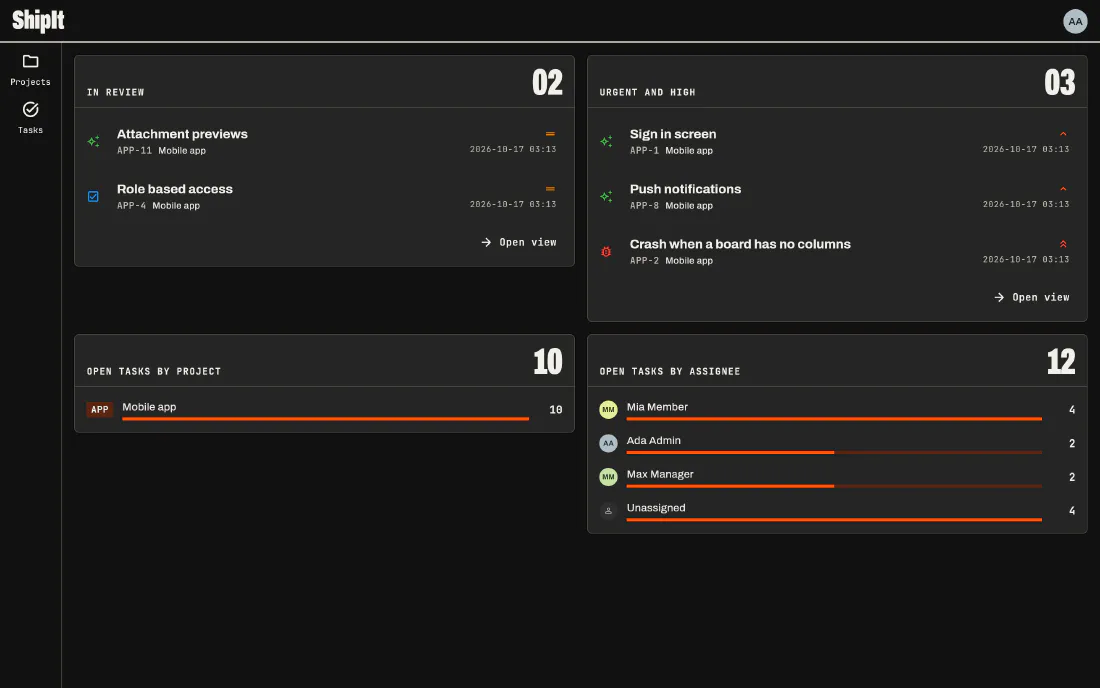
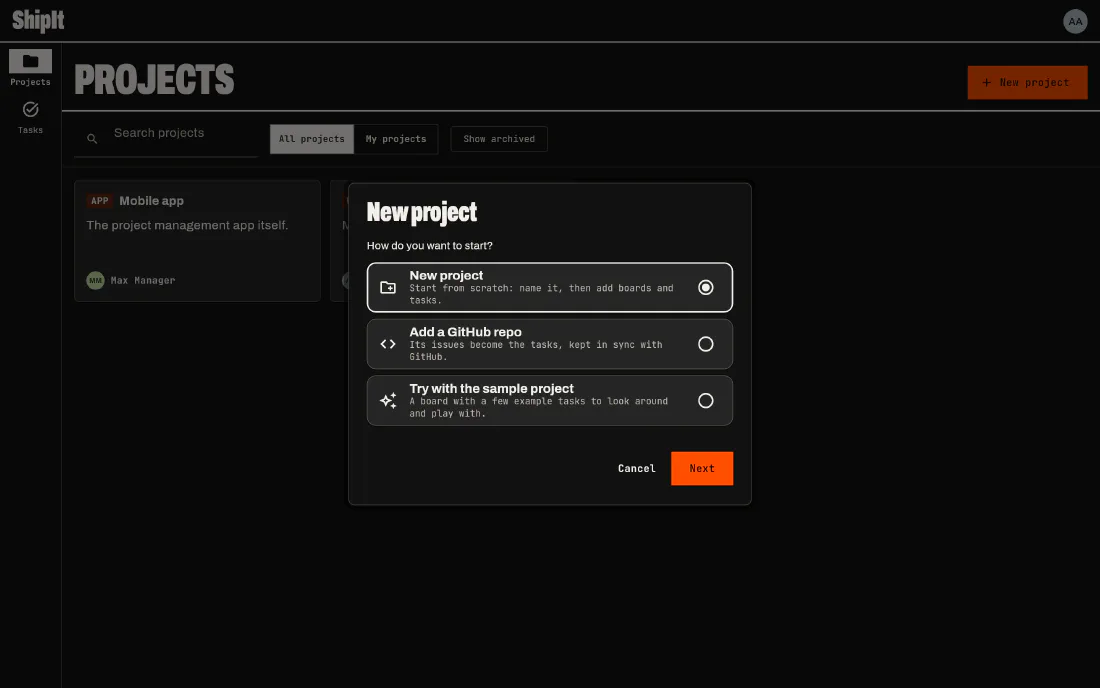
Every screen takes the same care on a phone as on a desktop, in light and in dark.
Boards
Drag a whole plan, not one card at a time
Each column of a board is a status of the project. A task can sit on several boards at once, so the same work shows on the triage board and in the sprint. Long press a card to start a selection, tap the others, and drag any of them: they all move, in the order you picked them.
Boards and sprints →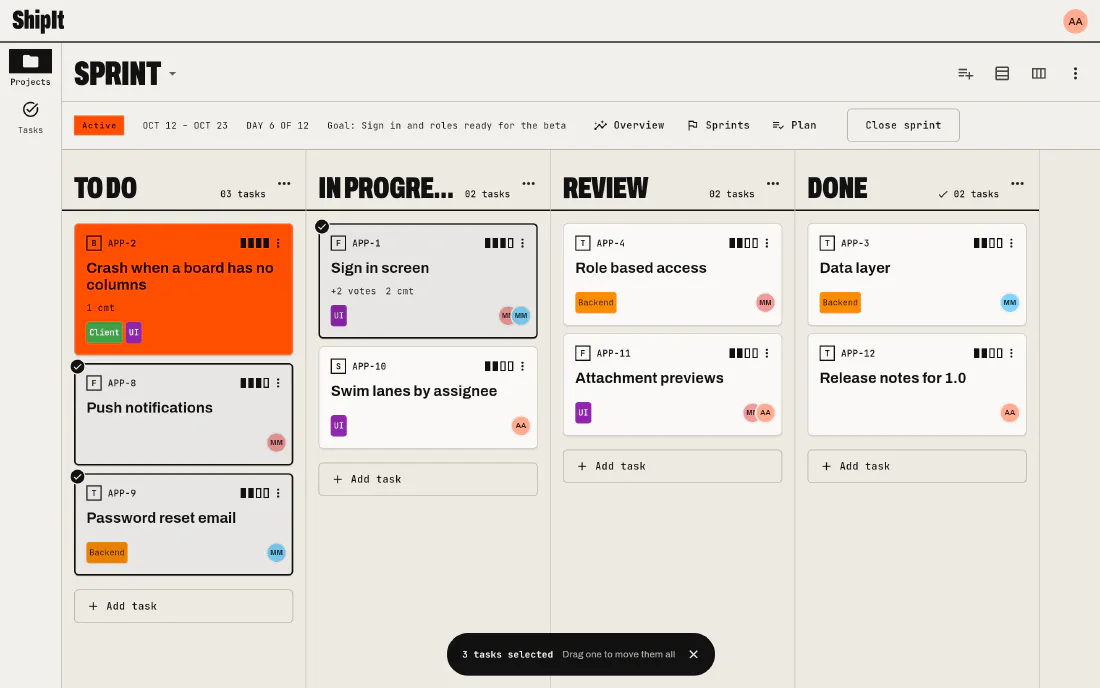
Tasks
Open, edit and assign without losing your place
Tapping a task on a board, a list or the home screen opens it in a dialog over the page you were on. Change the status, assign people, tag it, comment in markdown, paste images. On devices with a built-in model, a summary of the task and its discussion sits on top, written on the device.
Working with tasks →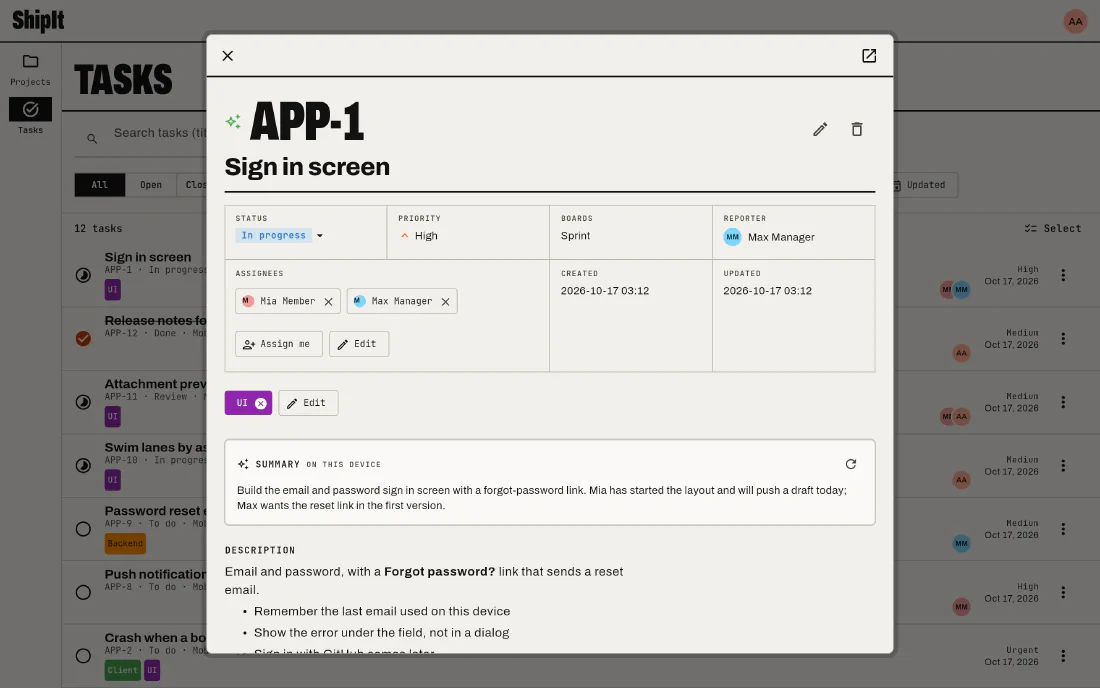
Bulk edits
Twenty tasks, one change
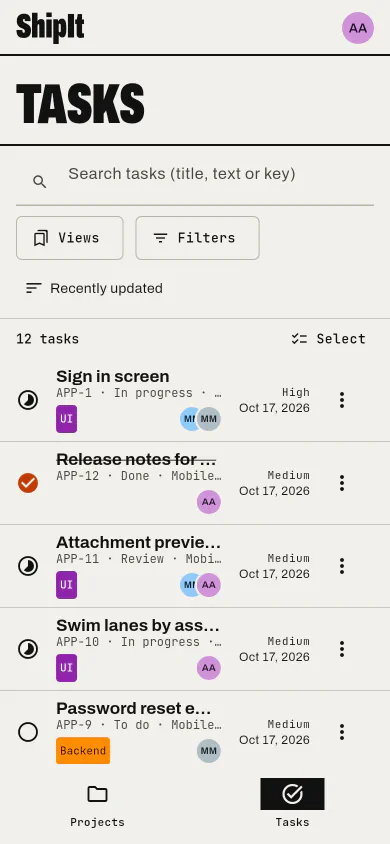
On the Tasks screen, long press a row and tap the others, or Select all. Then set their status, assign them, tag them, change their priority or put them on a board, all at once. Tasks you aren't allowed to change are simply skipped.
Select several tasks →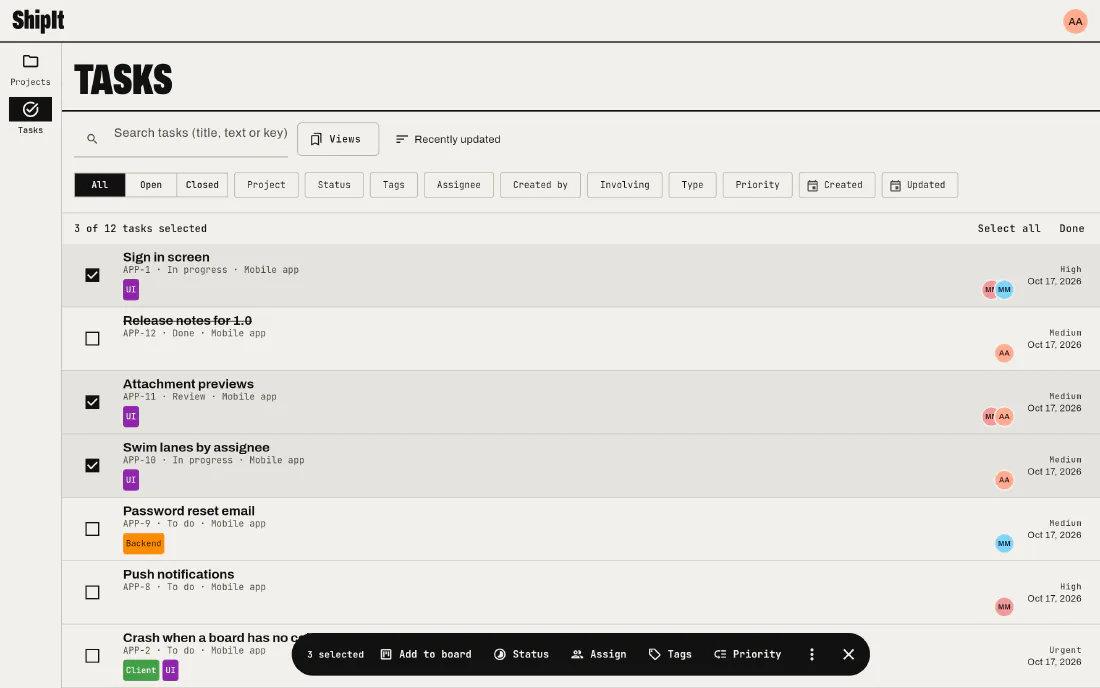
Home
Your views, waiting for you
Search every project at once by text, status, tag, assignee, type, priority or date. Save the filter as a view, tick "Show on home", and it becomes a panel with its count and its first tasks, next to the open work per project and per person.
Search and saved views →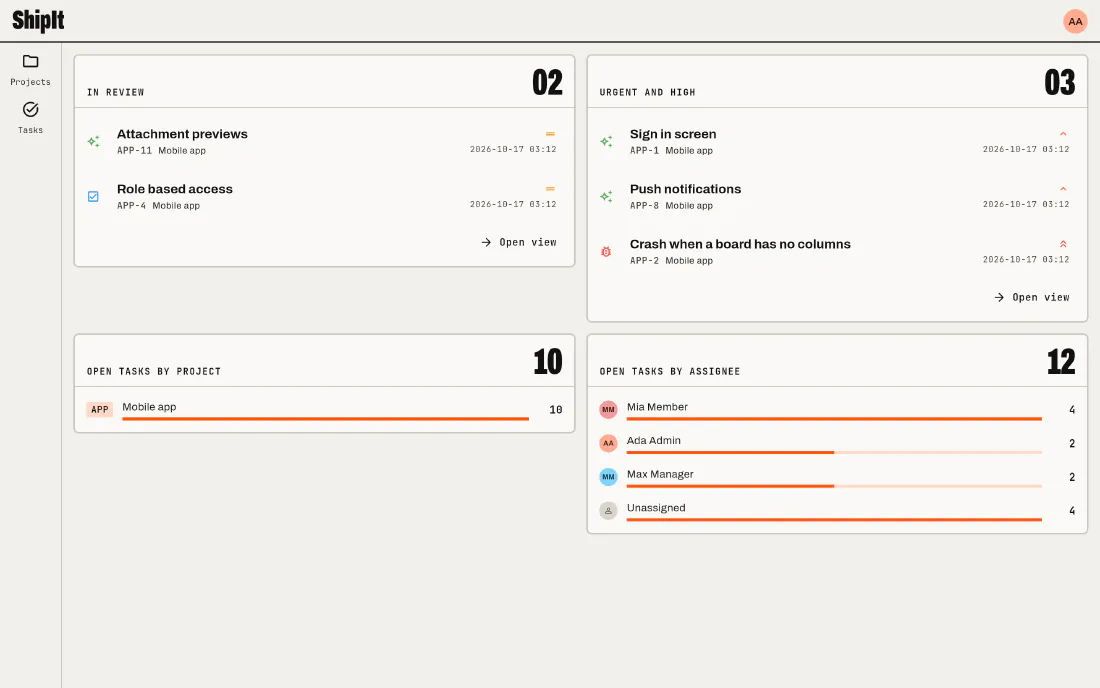
Getting started
A first project in three taps
Start from scratch, from a GitHub repository whose issues become the tasks, or from a sample project with a board and a few tasks to play with. Sprints come with a goal, a plan and an overview of where the work stands.
Your first project →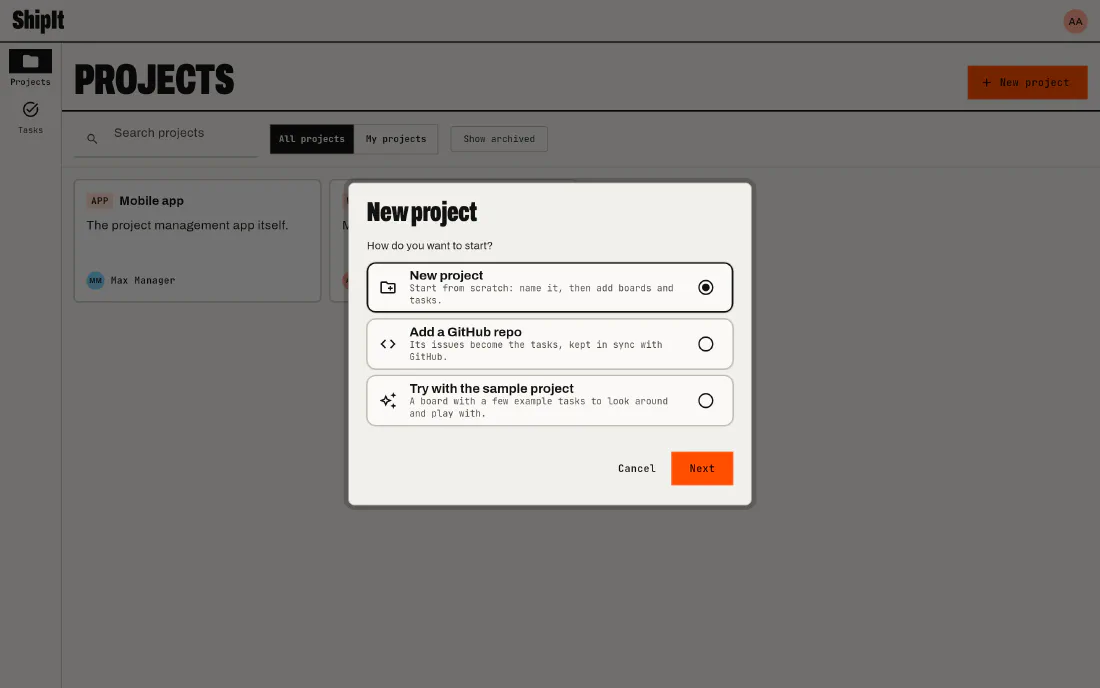
In your pocket too
The same app on Android and iPhone, with the board one column at a time and full screen dialogs.
Ship something today
Open ShipIt in your browser and sign in, or install it and pick "Use on this device only" to start without an account.