
Projects
A project groups the tasks of one piece of work, with the people on it, its workflow and its boards.
Members
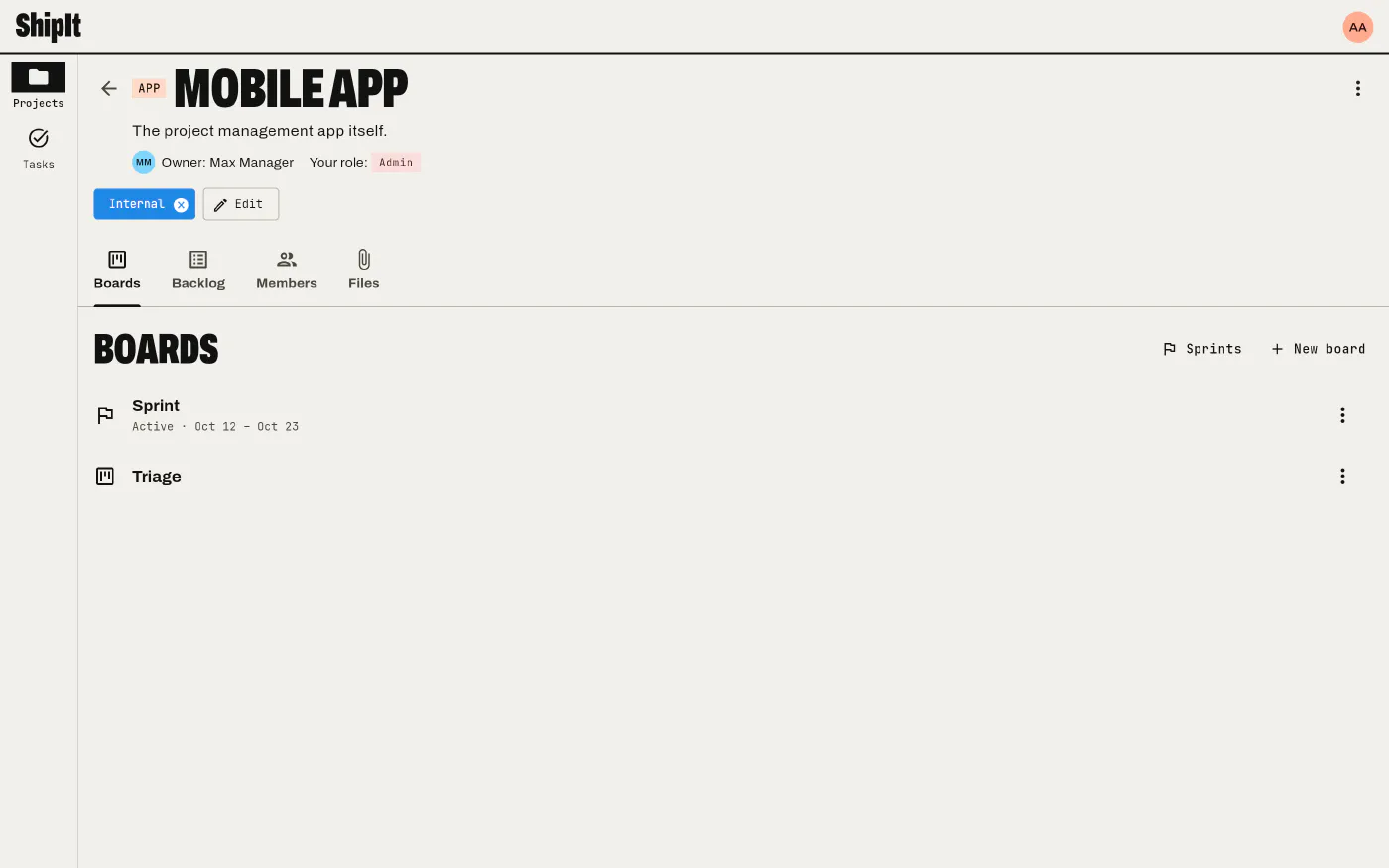
People are added to a project as members, each with a project role (viewer, member, manager, admin or one of your own). Inside the project, that role takes the place of their workspace role: a member of the workspace can manage the one project they run. Only members can be assigned to the project’s tasks.
Statuses
Each project defines its own ordered list of statuses, such as Backlog, To do, In progress, Review, Done. Each status belongs to a category (to do, in progress or done), which is what makes a task open or done across the app: counts on home, the Open filter, closing a GitHub issue. Reorder, rename and add statuses from the project page; changing them needs the Manage statuses permission.
Tags
Tags have a name and a color. Workspace tags can label projects and the tasks of any project; a project’s own tags label only its tasks. Manage workspace tags in Settings, and a project’s tags on its page.
Files
Projects and tasks both have files. Upload them from the project or task page, or paste an image straight into a description or a comment: it is uploaded as an attachment of that task. Images that live inside descriptions and comments don’t clutter the file lists.
Archive
Archiving a project hides it from lists, home counts and searches without losing anything. Show archived on the Projects screen brings it back into view, and it can be restored.