
Roles and permissions
What someone can do depends on their role. Roles are lists of permissions you can change.
Built-in roles
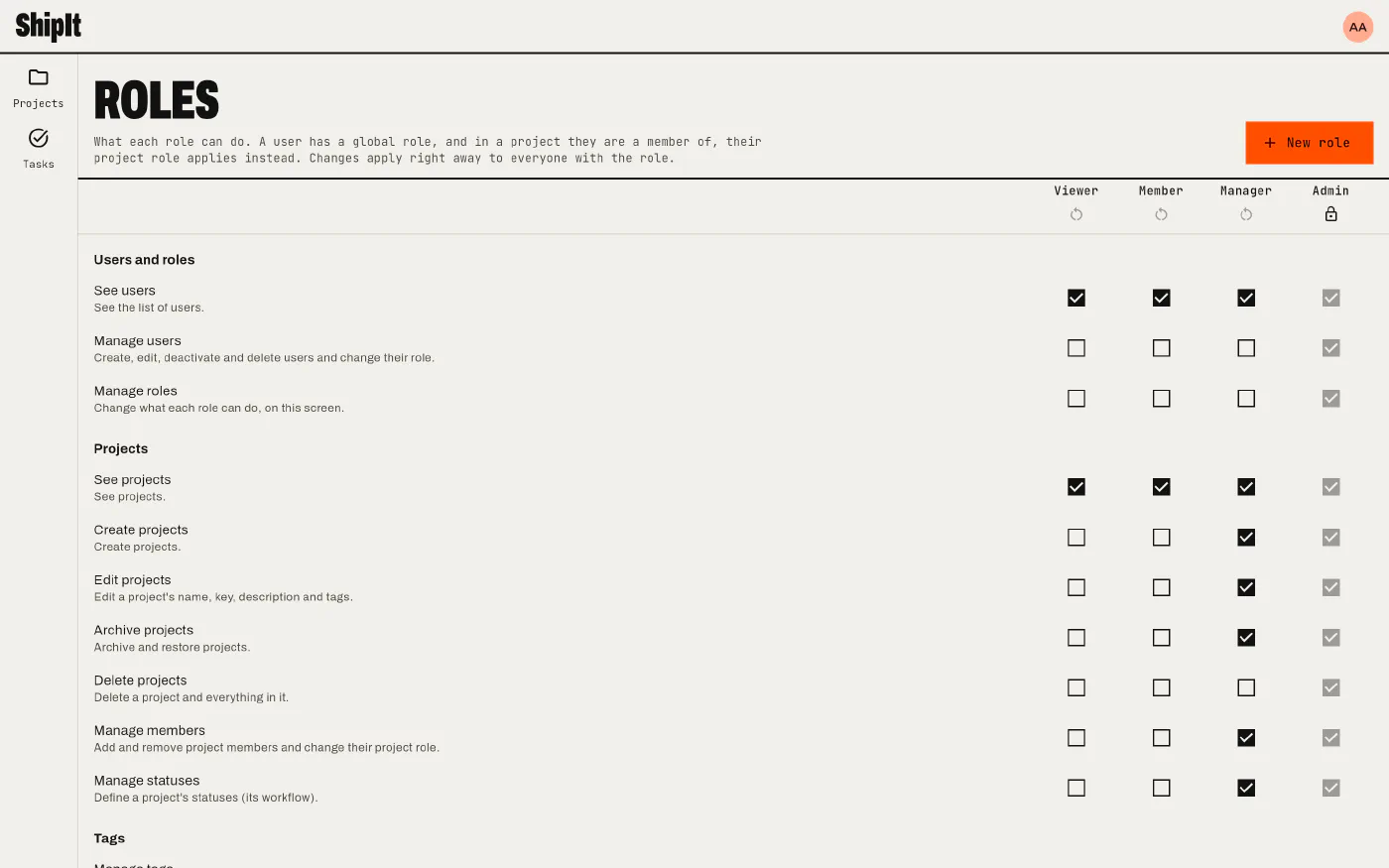
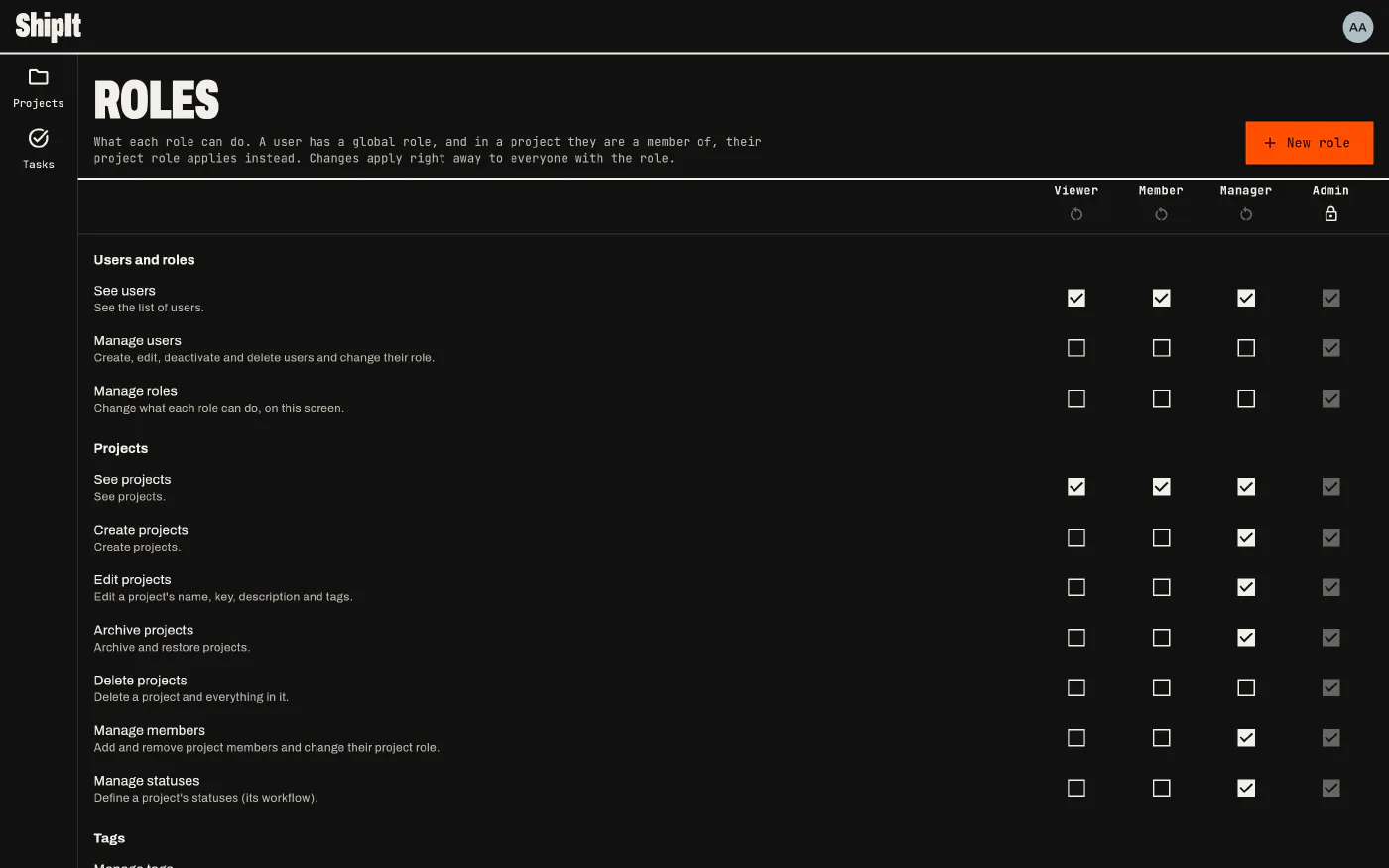
ShipIt starts with four roles: viewer (sees, votes), member (works on tasks), manager (runs projects and boards) and admin (everything, always). Their permissions are only a starting point: change them under Settings > Roles. The built-in roles can’t be renamed or deleted, and admins keep every permission.
Your own roles
New role adds a role with the permissions you tick, like Triager or Client. A custom role can be deleted once nobody has it.
Workspace role and project role
Everyone has a workspace role. In a project where they are a member, their project role applies instead, up or down. So a member of the workspace can be the manager of one project, and a manager can be a viewer of another.
Permissions
| Area | Permissions |
|---|---|
| Users | See users, Manage users, Manage roles |
| Projects | See, Create, Edit, Archive, Delete projects; Manage members; Manage statuses |
| Tags | Manage tags |
| Boards | See, Create, Edit, Delete boards |
| Tasks | See, Create, Edit, Move, Assign, Delete tasks; Vote |
| Comments | See comments, Comment, Edit own comments, Edit anyone’s comments |
| Attachments | See attachments, Attach files, Delete own attachments, Delete anyone’s attachments |
Screens hide what you can’t do, and the server checks every change again.