Features
What ShipIt does today, on every platform it runs on. Each card opens the part of the docs that explains it.
Projects with their own workflow
Every project defines its statuses, members and roles. Statuses fall into to do, in progress and done, so "open" always means something.
Read more → ship-02Boards and sprints
Several Kanban boards per project, one column per status, swim lanes by assignee, priority, type or your own values. Sprints with goals, plans and an overview.
Read more → ship-03Change many tasks at once
Long press a card on a board, tap the others and drag one; they land in the order you picked them. On the Tasks screen, select rows and set their status, assignees, tags or priority, or add them to a board, in one go.
Read more → ship-04Tasks in place
Open any task in a dialog from wherever it is listed, with a ⋮ menu for quick edits. Markdown descriptions and comments, votes, tags, several assignees, @mentions and files.
Read more → ship-05Search and saved views
Search every project at once, filter by anything, save the filter as a view, and pin your views to the home screen.
Read more → ship-06GitHub-backed projects
Link a project to a repository and its issues become the tasks, with the same numbers, dates and authors, kept in sync both ways. Boards, sprints and votes stay in ShipIt.
Read more → ship-07A summary written on your device
Where the device has a built-in model, opening a task shows a short summary of it and its comments. Nothing leaves the device.
Read more → ship-08Roles you can edit
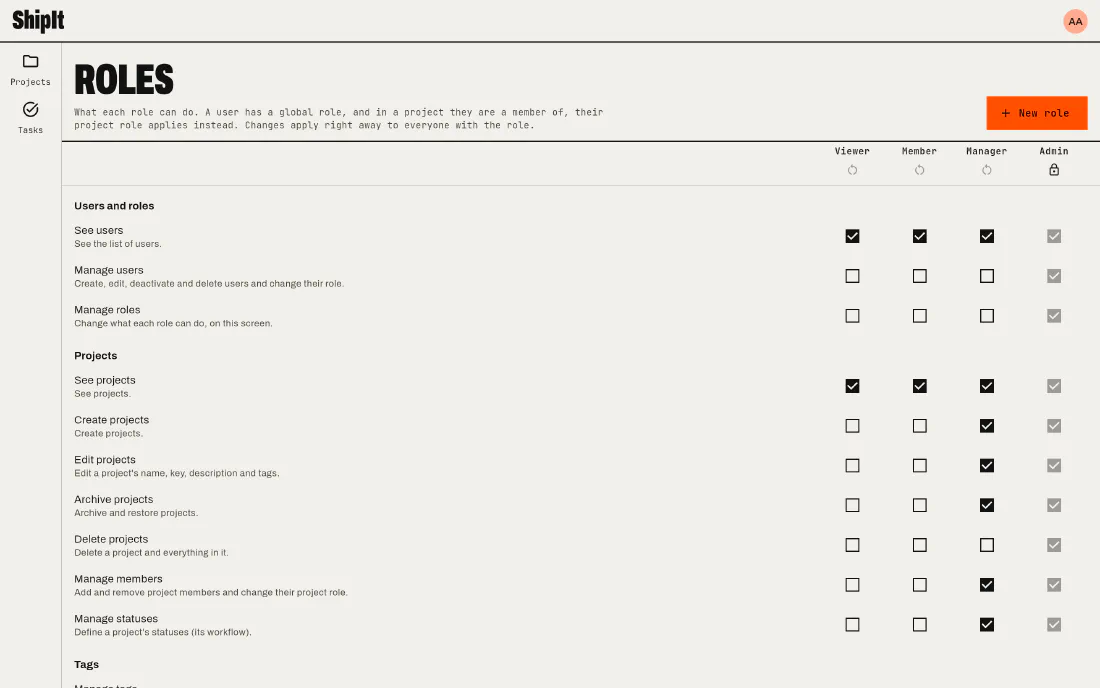
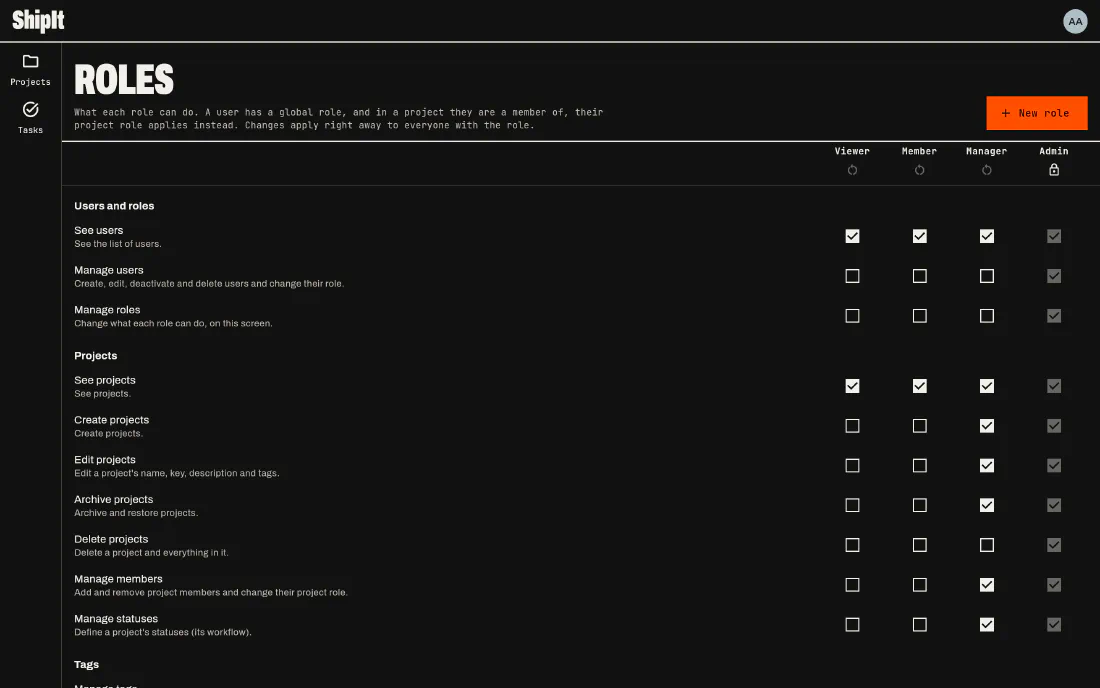
Viewer, member, manager and admin to start, your own roles next, and a project role that overrides the workspace one.
Read more → ship-09Your team, or just this device
Sign in to share a workspace with your team, or keep everything on this device with no account at all.
Read more →Sprints
Plan, run and close a sprint
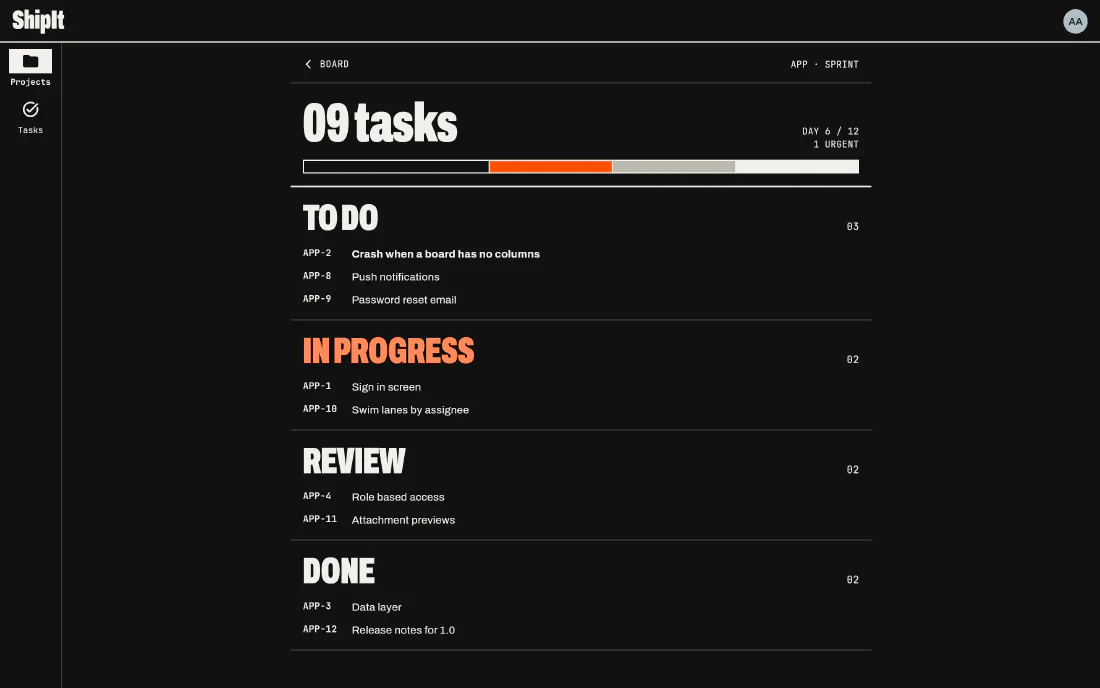
A sprint is a board with dates and a goal. Plan it from the backlog, follow the overview while it runs, and close it: the unfinished tasks go to the next sprint or back to the backlog.
Sprints →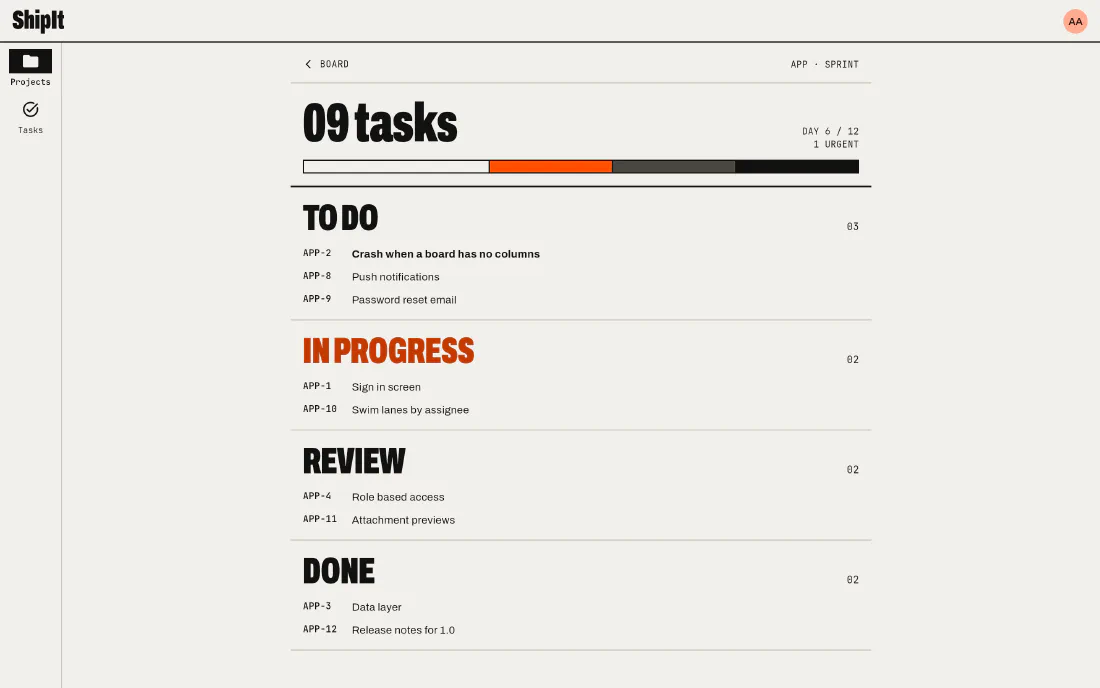
Roles
Decide who can do what
Every permission, from seeing a board to deleting anyone's attachment, is a box on the roles screen. Change the built-in roles or add your own.
Roles and permissions →