
Run your
projects
ShipIt is everything a small team needs to plan and ship: projects with their own workflow, boards and sprints, a quick way to triage what comes in, and roles that decide who sees what. Start on your own device in a minute, no account needed, or share a workspace with your team.
Your work is already on GitHub? See how ShipIt takes GitHub further →
From idea to shipped
A project, a board and a few tasks are all it takes. Everything else is there when you need it.
Start a project
Name it, give it a key, and its tasks are numbered for you (WEB-1, WEB-2). Pick the statuses of its workflow, add the people who work on it, or start from the sample project to look around first.
Your first project → step-02Triage what comes in
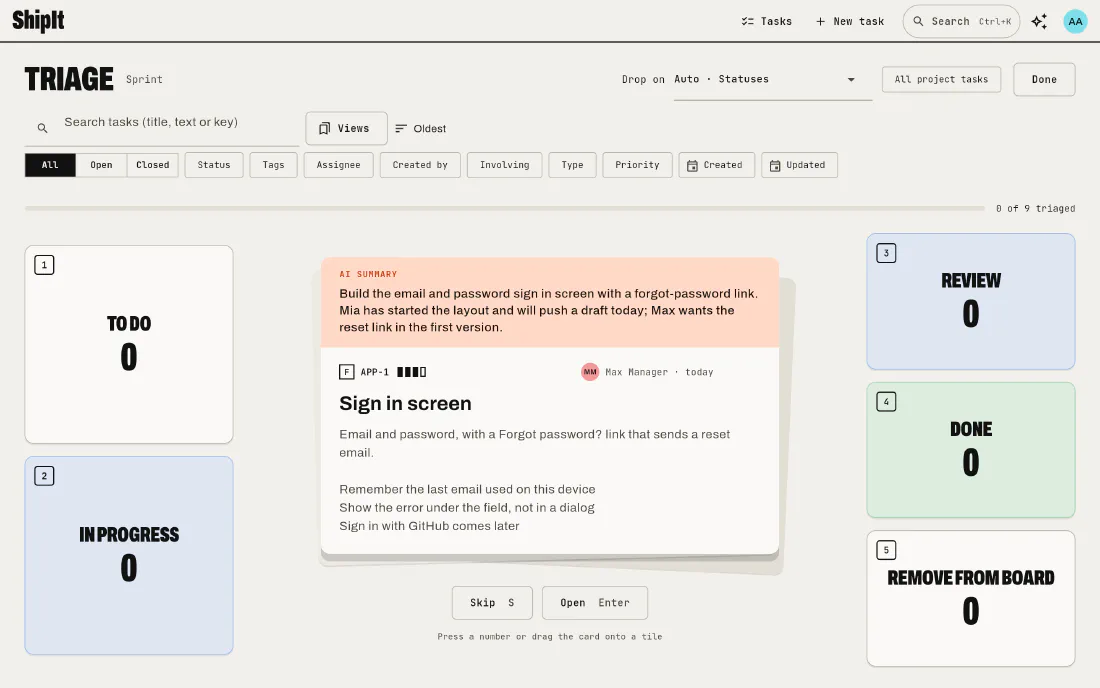
New tasks pile up in a column. Triage deals them out one at a time with a short summary of each, and a tap, a key or a drag sends each one where it belongs.
Triage → step-03Plan, run, ship
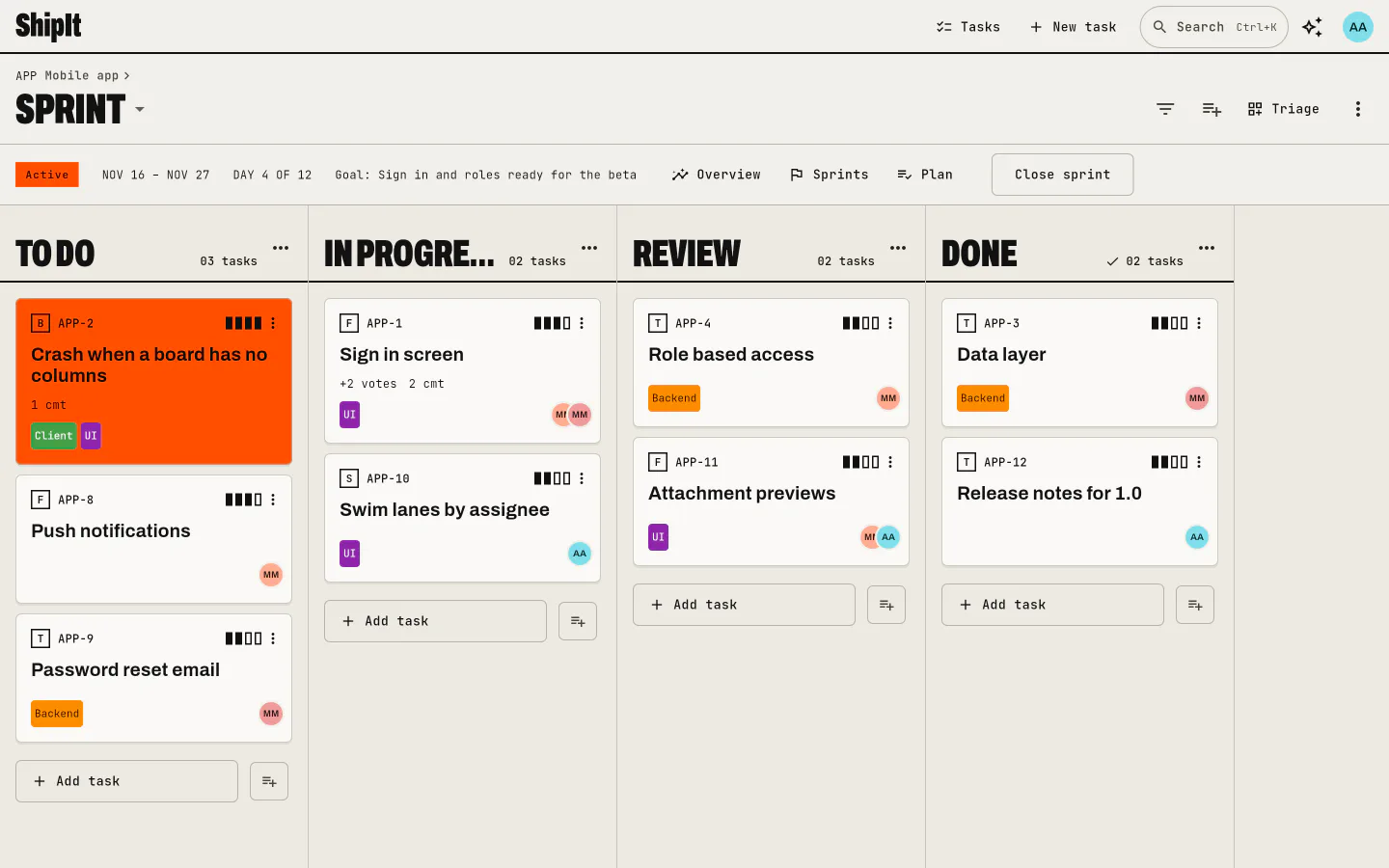
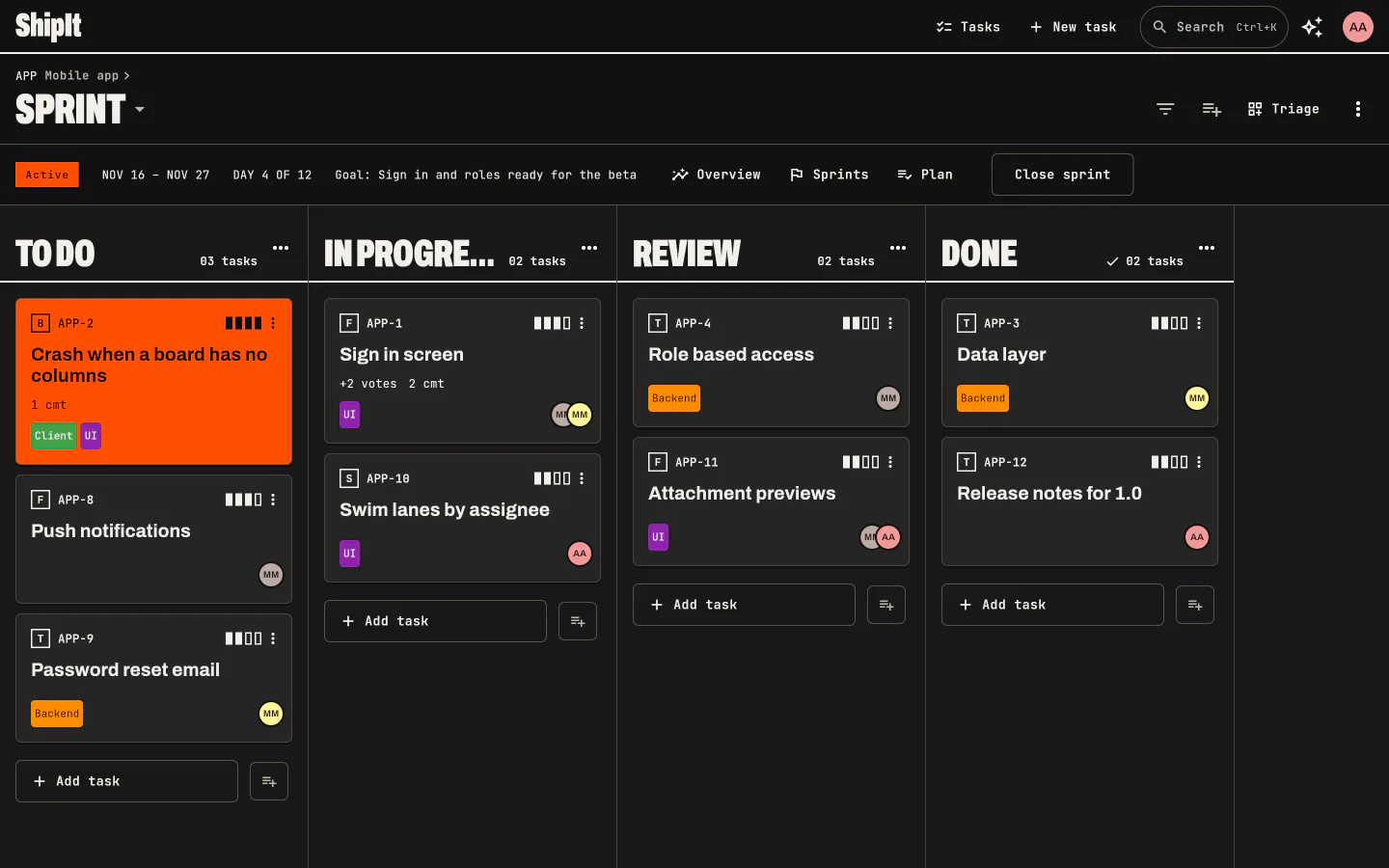
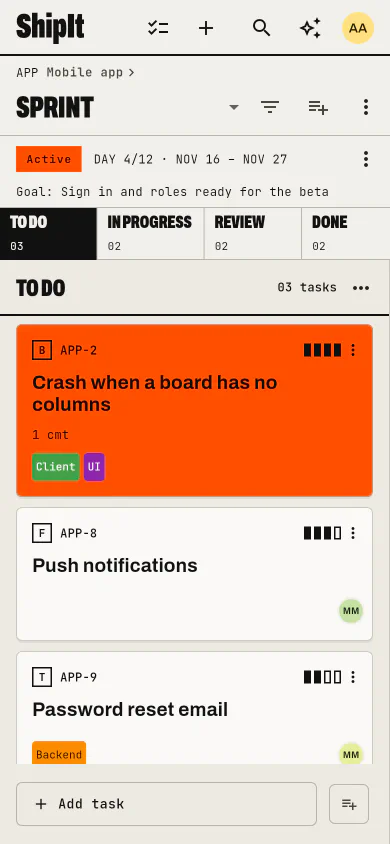
Plan a sprint from the backlog with a goal and dates, move the cards as the work moves, follow the overview, and close it: unfinished work goes to the next sprint.
Boards and sprints →Triage
One task at a time, one tap each
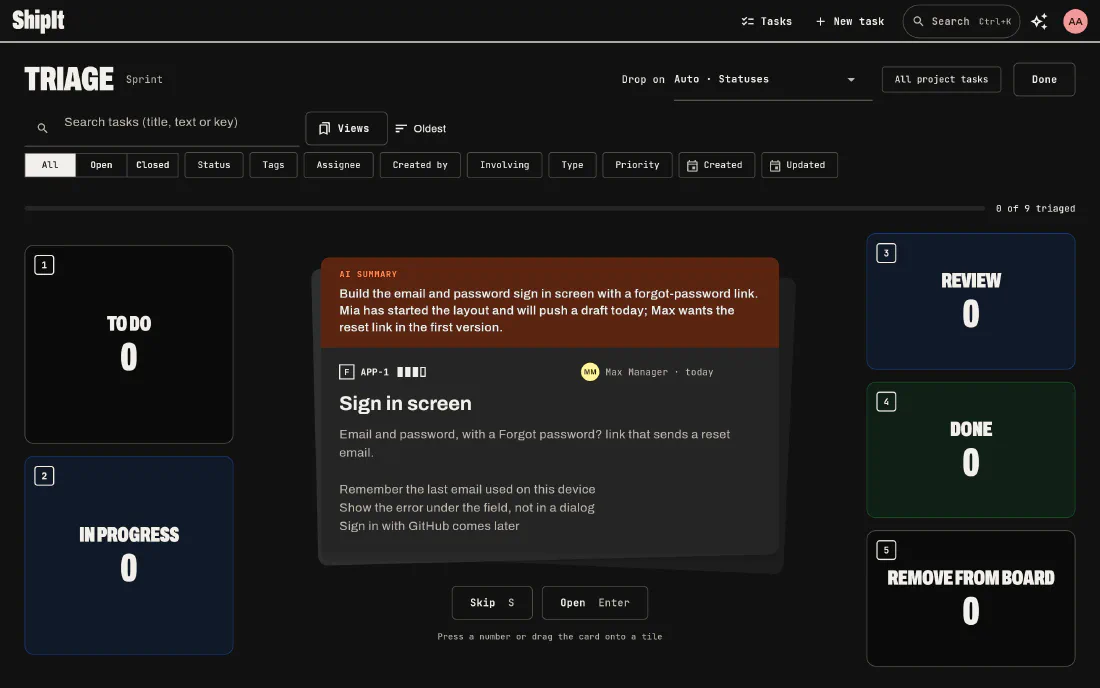
Pick Triage from a column's menu and its tasks come up one by one, oldest first, each with a summary of its description and discussion written on the device. The other columns sit around it as tiles: tap one, press its number or drag the card onto it. Skip what can wait, and tap the last tile to undo. Turn on All project tasks to sweep in the ones that never made it onto the board.
How triage works →With GitHubNew issues land in the project as they're filed, so triage is how you go through a repository's inbox too.
Boards
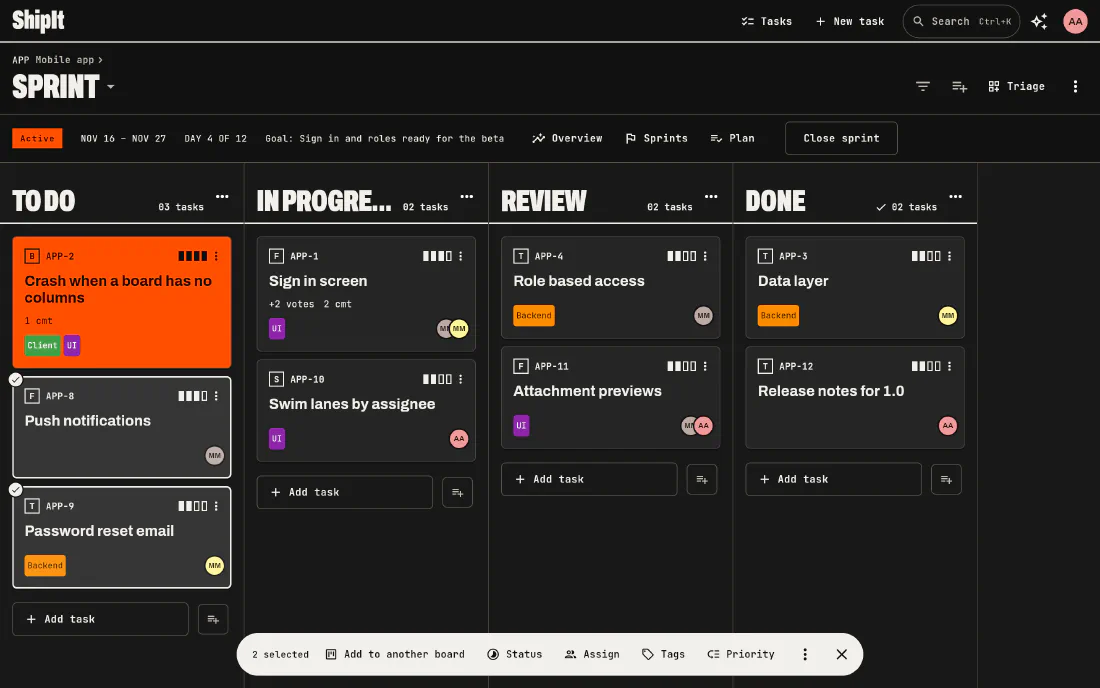
Select a few cards, change them all
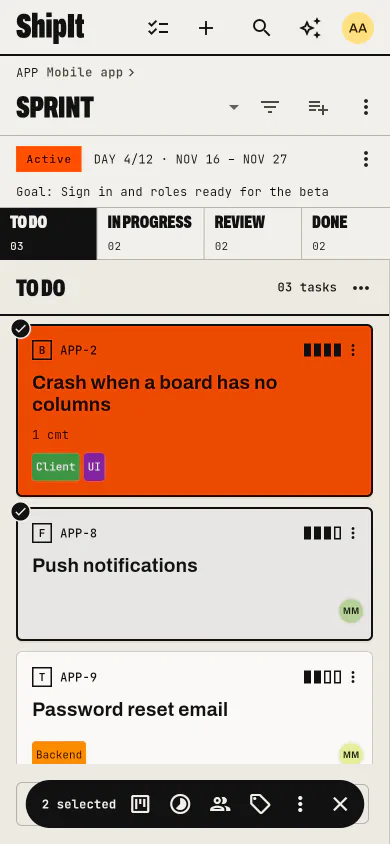
Every column of a board is a status of the project, and a task can be on several boards at once. Long press a card, tap the others (or Select all from a column's menu), then drag them together or use the bar: add them to another board, set their status, assign them, tag them or change their priority in one go.
Select several cards →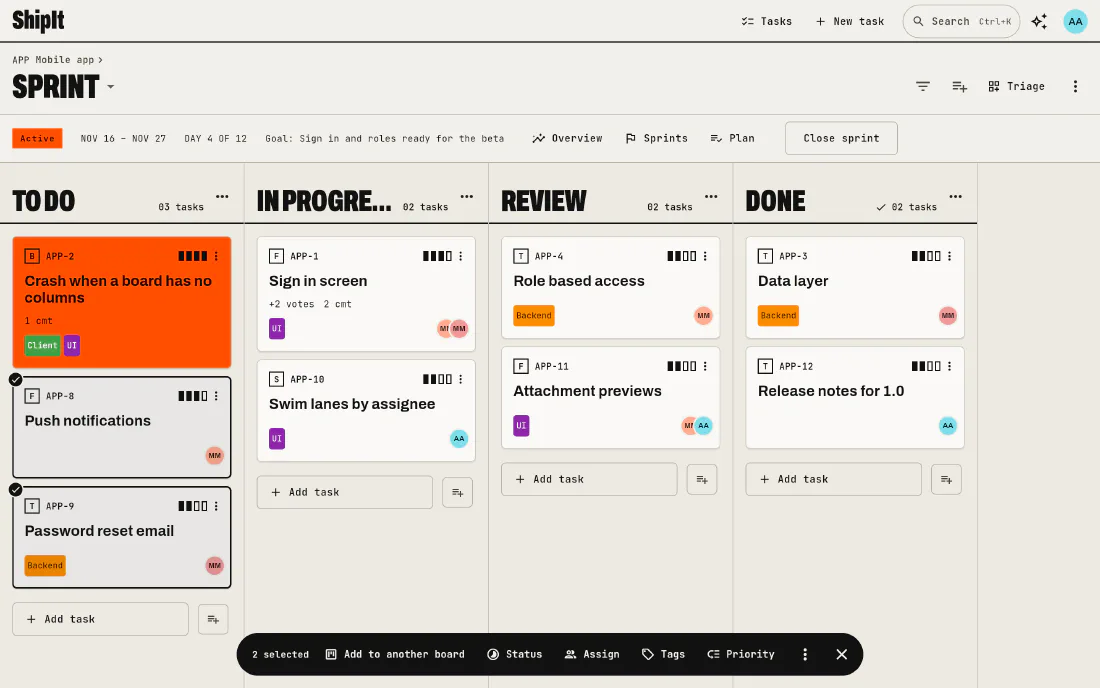
Tasks
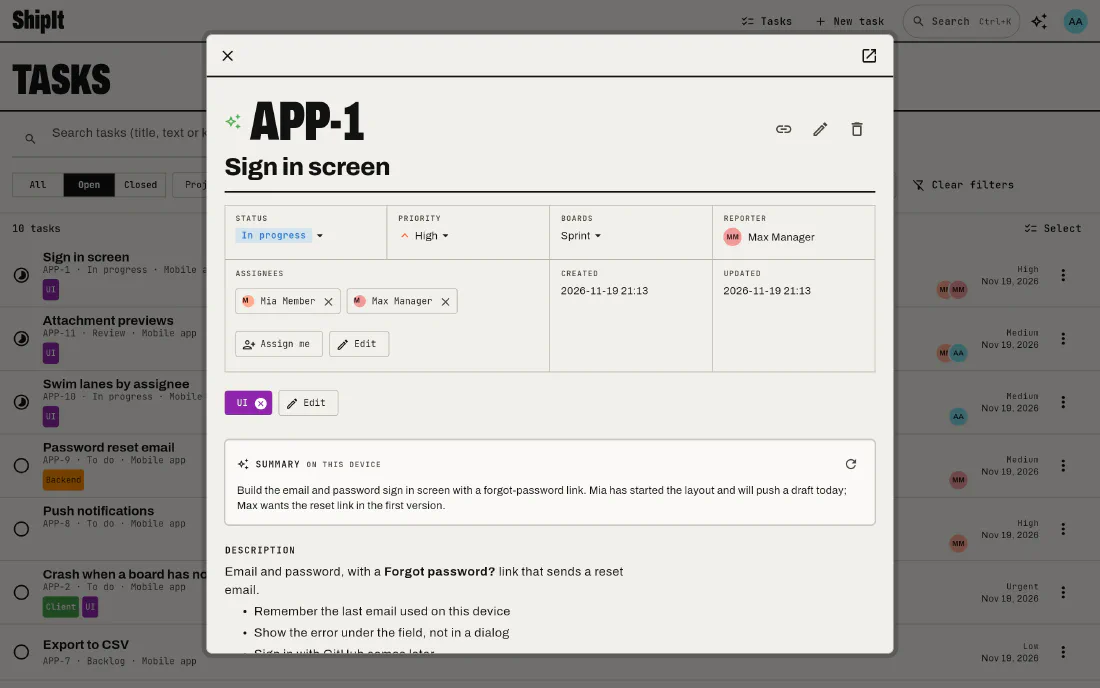
Everything about a task, where you are
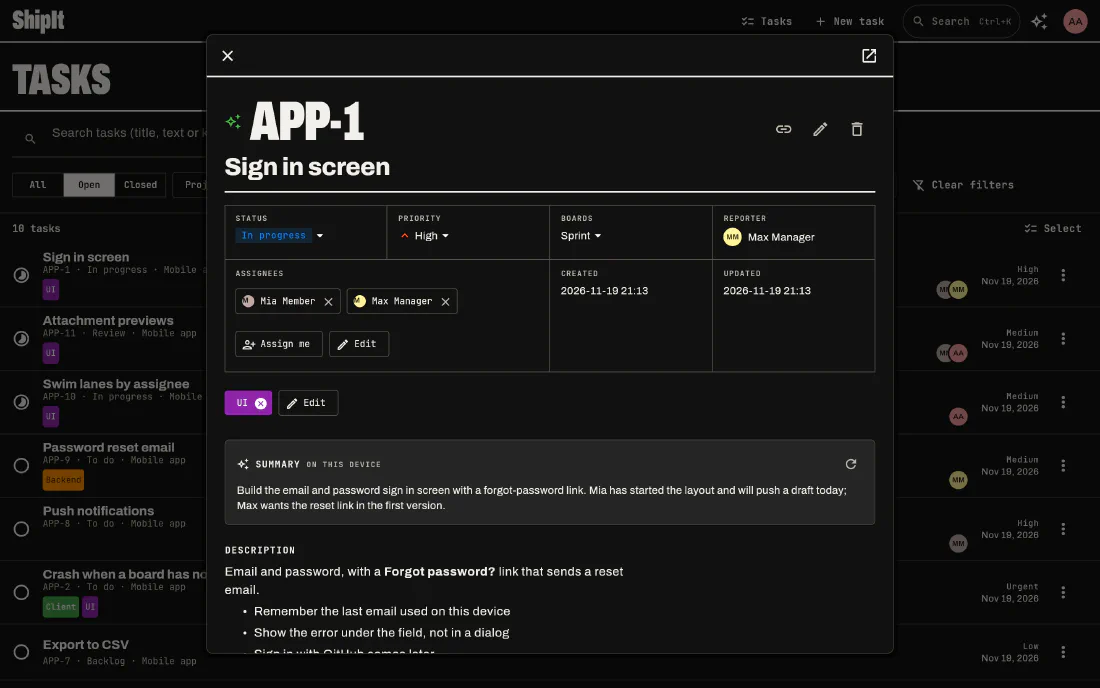
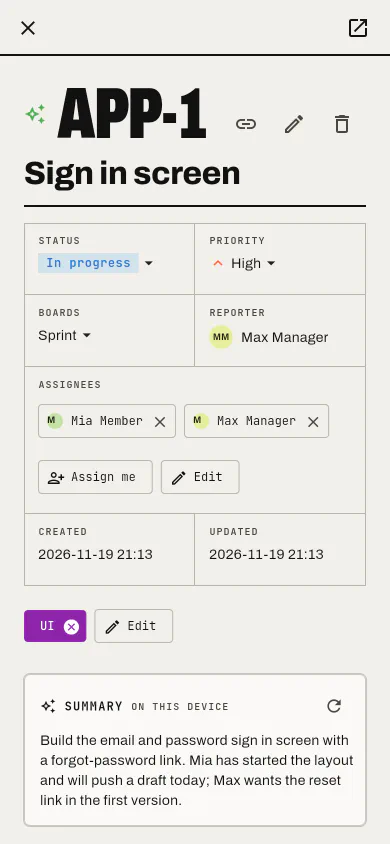
Tap a task on a board, on home or in a search and it opens over the page: a markdown description with pictures, comments with @mentions, votes, tags, several assignees, files, and a short summary of the whole discussion. The ⋮ menu assigns it to you, or to someone else, in one tap.
Tasks →With GitHubLink the project to a repository and these tasks are its issues, with the same numbers, and every edit and comment syncs both ways.
Home
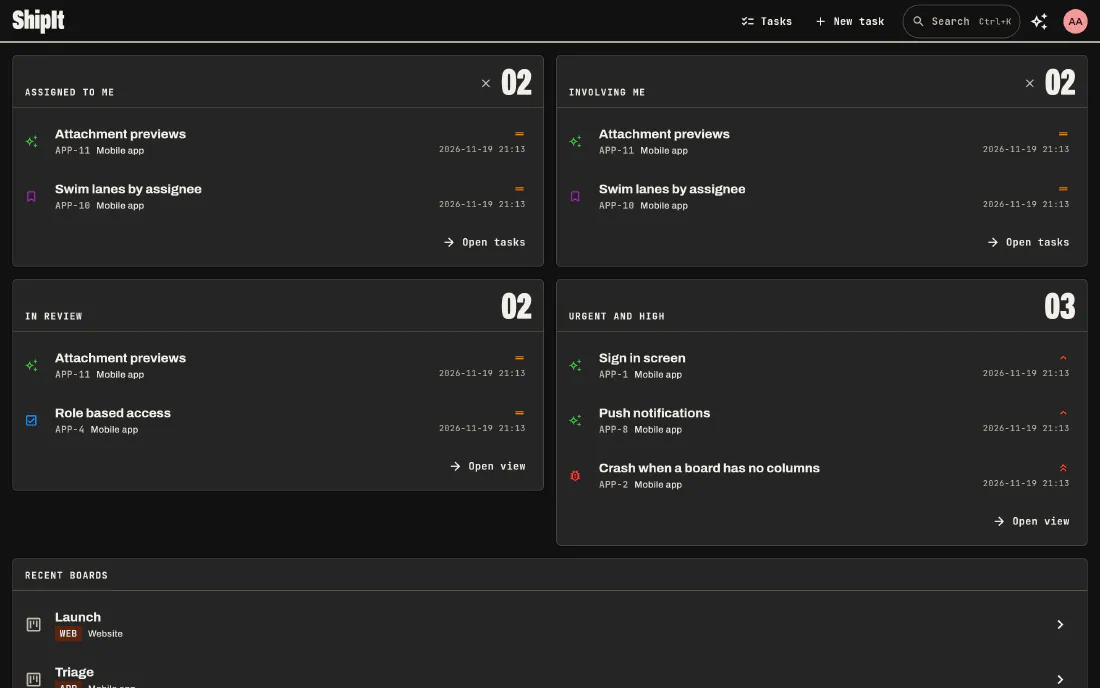
Your day on one screen
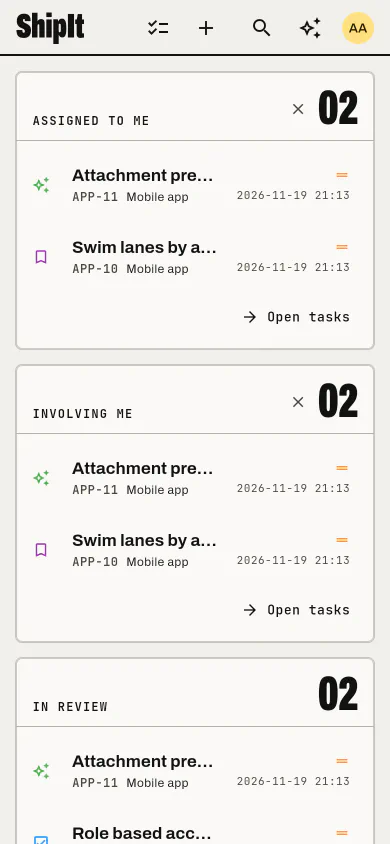
Save any search of the Tasks screen as a view, tick Show on home, and it waits for you there with its count and first tasks. Below it, the boards you opened last and your projects, each one tap away.
Search and saved views →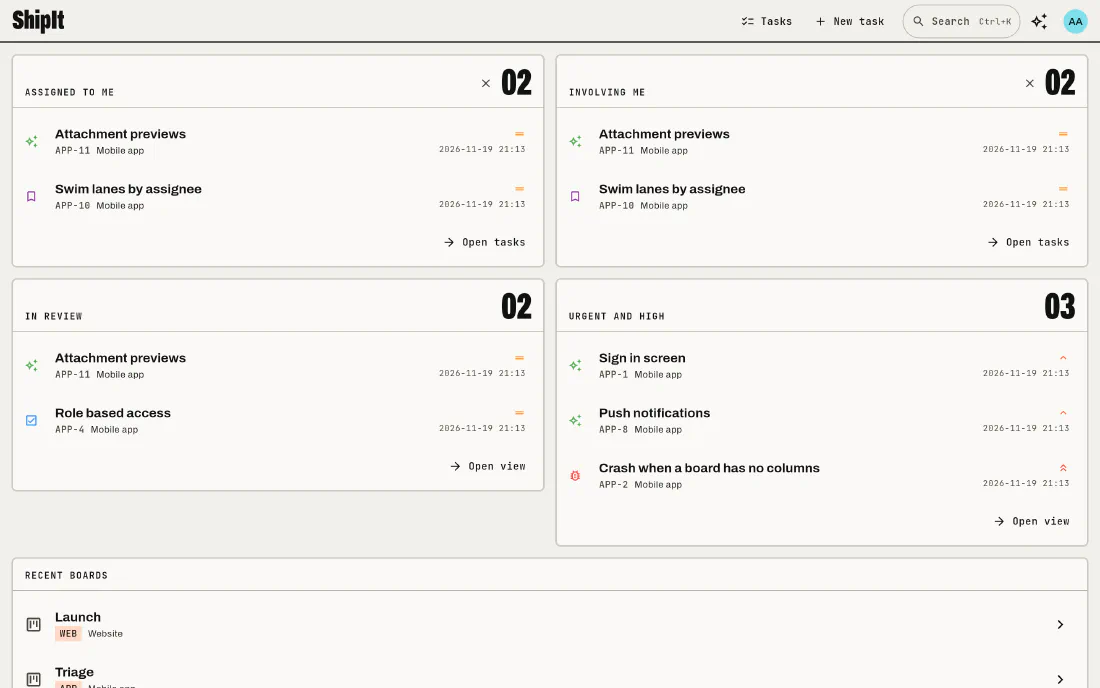
Roles
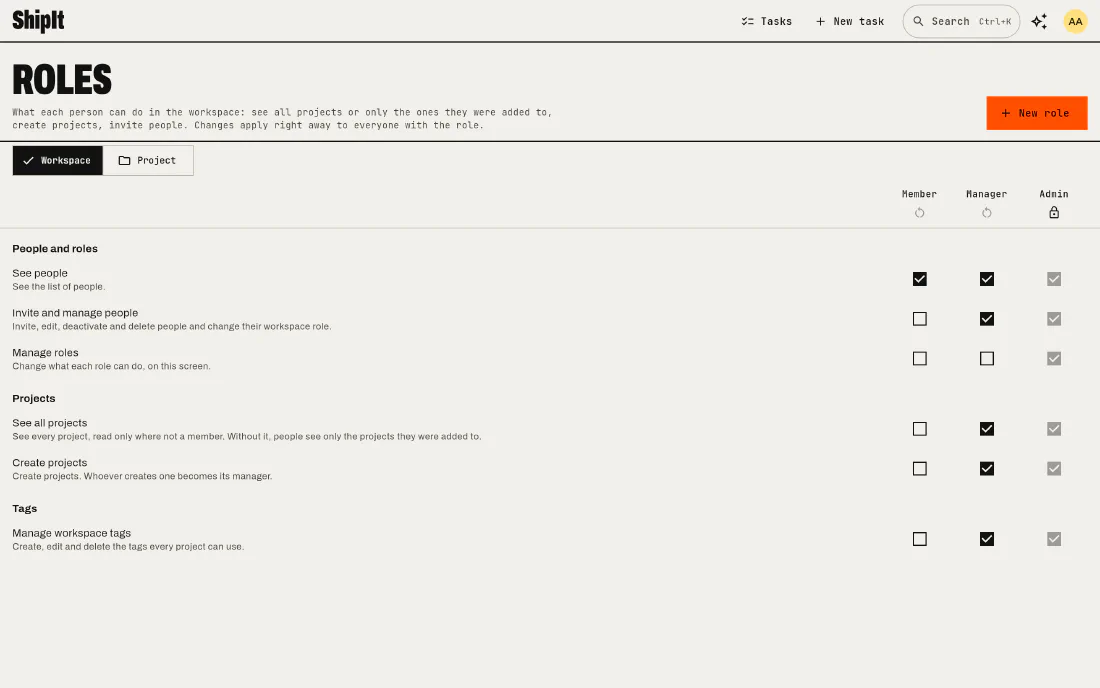
Share a project, not the whole workspace
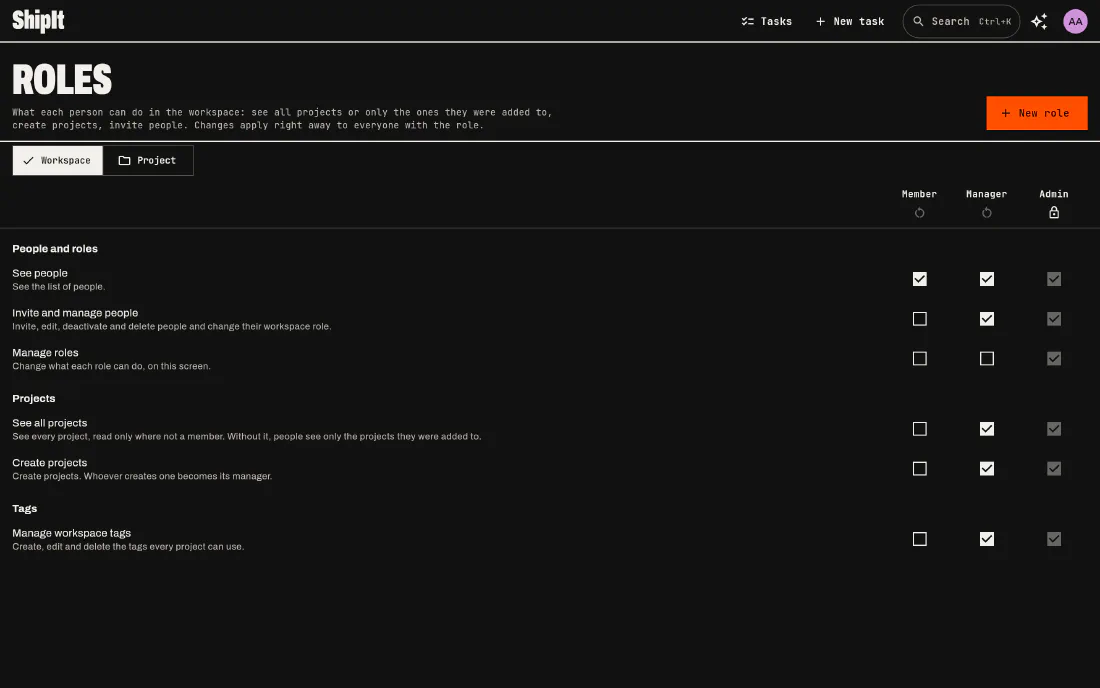
Workspace roles decide who sees every project and who only sees the ones they were added to. Project roles decide what they can do inside each one: a viewer reads, a member works on tasks, a manager runs the project. Make your own, like a Client who can vote and comment but not edit, and the screens hide everything else.
Roles and permissions →With GitHubThe people you share a linked project with don't need a GitHub account: their requests and comments stay in ShipIt, numbered on their own (APP-S1).
Ask AI
Find anything, or just ask
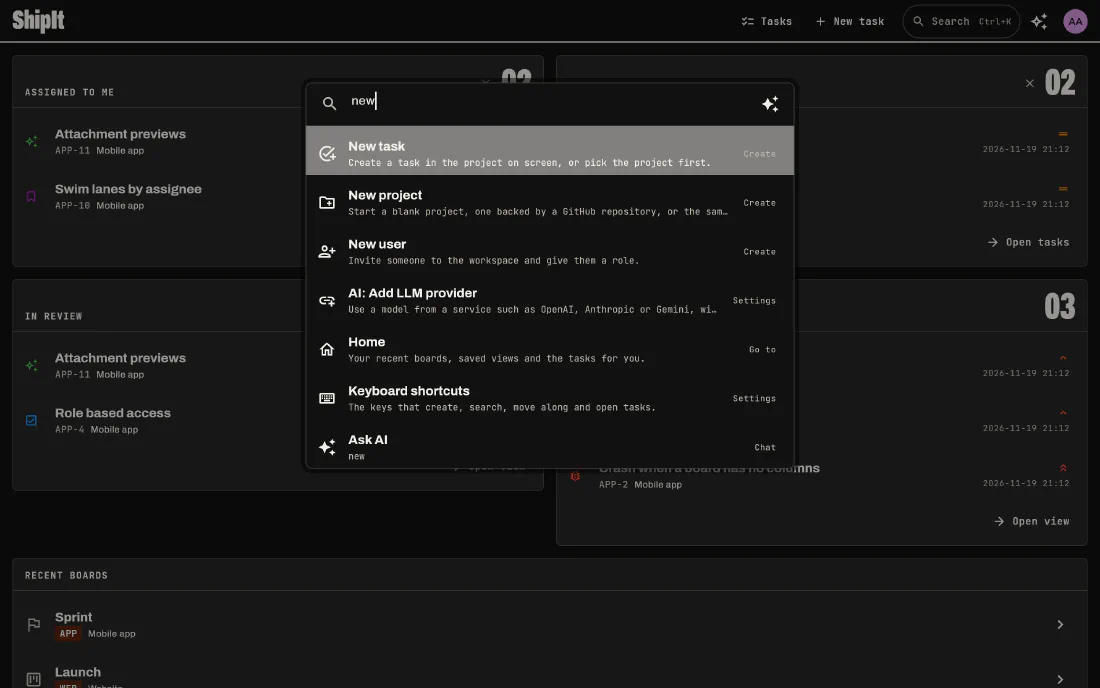
⌘K / Ctrl+K finds any action, project or task from what you type. Ask a question instead and the model on your device searches the tasks, opens what it found and answers, without sending your backlog anywhere.
Command palette and Ask AI →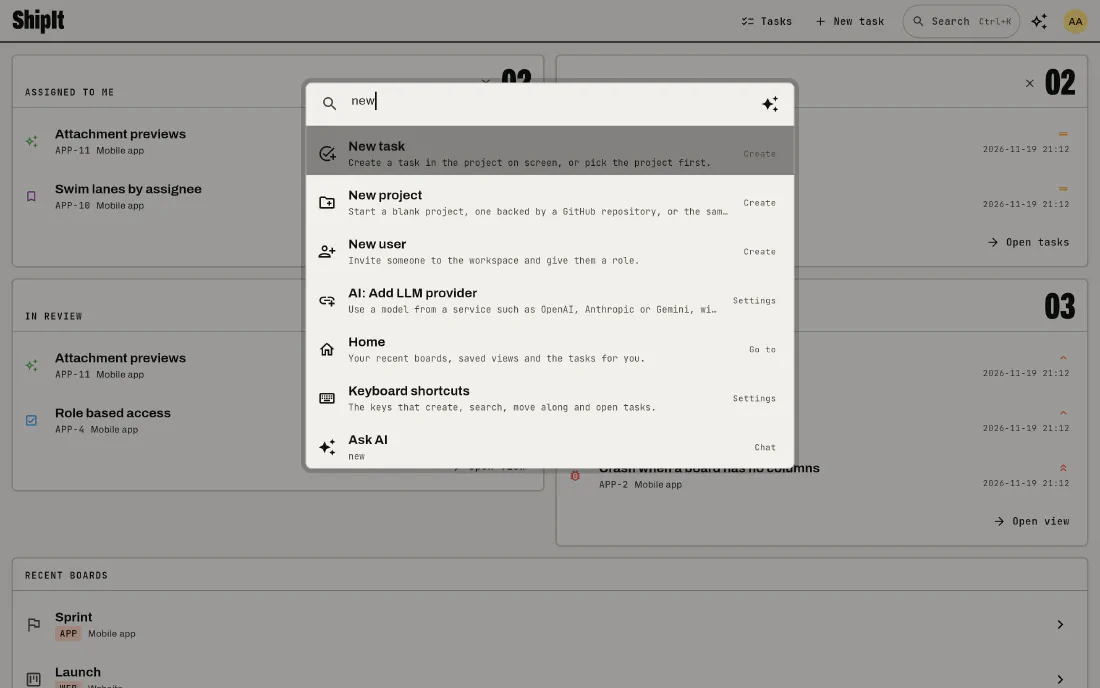
Everything a small team needs
Projects, boards, tasks and roles work together from the first screen, on every device you use.
Projects with their own workflow
Every project defines its statuses, members and roles. Statuses fall into to do, in progress and done, so "open" always means something.
Read more → ship-02Boards and sprints
Several Kanban boards per project, one column per status, swim lanes by assignee, priority, type or your own values. Sprints with goals, plans and an overview.
Read more → ship-03Change many tasks at once
Long press a card on a board, tap the others and drag one; they land in the order you picked them. On the Tasks screen, select rows and set their status, assignees, tags or priority, or add them to a board, in one go.
Read more → ship-04Tasks in place
Open any task in a dialog from wherever it is listed, with a ⋮ menu to set its priority or status, move it or copy its link. A title and Enter make a new one. Markdown descriptions and comments, votes, tags, several assignees, @mentions and files.
Read more → ship-05Search and saved views
Search every project at once, filter by anything, save the filter as a view, and pin your views to the home screen.
Read more → ship-06GitHub-backed projects
Link a project to a repository and its issues become the tasks, with the same numbers, dates and authors, kept in sync both ways. Import your GitHub Projects boards; sprints, votes and views stay in ShipIt. People without GitHub add tasks and comments of their own.
Read more → ship-07Search actions, ask the AI
⌘K / Ctrl+K finds any action or project from what you type. Ask AI creates tasks and opens what you ask for, with Apple's built-in model or a small model it downloads on Android, Windows and Linux, and every task gets a short summary. Nothing leaves the device.
Read more → ship-08Roles you can edit
Workspace roles decide who sees every project; project roles decide what people do inside each one. Change the built-in ones or add your own, like a Client who votes and asks but doesn't edit.
Read more → ship-09Your team, or just this device
Sign in with your Microsoft, GitHub or Google account to share a workspace with your team and your clients, or keep everything on this device with no account at all.
Read more → ship-10Triage, one task at a time
Triage on any board goes through the open tasks one by one, each with its AI summary, and sends each to a status with a tap, a key or a drag. Skip what can wait, undo the last move, and pull in the project's tasks that aren't on the board yet.
Read more → ship-11Files and pictures
Paste or drop a picture into a description or a comment and it shows in place; pasted markdown keeps its formatting. Share a link, text or picture from another app to make it a task. Attach files to tasks and projects; each keeps a list of its files.
Read more → ship-12Light, dark, everywhere
One app for Android, iOS, macOS, Windows, Linux and the web, with the board one column at a time and full screen dialogs on phones, in a light or a dark theme.
Read more →Yours, your way
Keep it on one device, or share it with the people you work with.
On this device only
Pick "Use on this device only" in the app and everything stays on your phone or computer, with every feature and no account at all. Load the sample data to try each role.
On this device → your-teamA shared workspace
Sign in with your Microsoft, GitHub or Google account and your team, and anyone you invite to a project, sees the same work on every device, as it changes.
Sign in to a workspace → add-githubGitHub, when you want it
Nothing here needs GitHub. When your code lives there, link a project to a repository: its issues become the tasks, your GitHub Projects boards come along, and everything above keeps working.
GitHub-backed projects →In your pocket too
The same app on Android and iPhone, with the board one column at a time and full screen dialogs.
Ship something today
Install ShipIt and pick "Use on this device only" to start without an account, or open it in your browser and sign in with your Microsoft, GitHub or Google account.